What is Mii Maker?
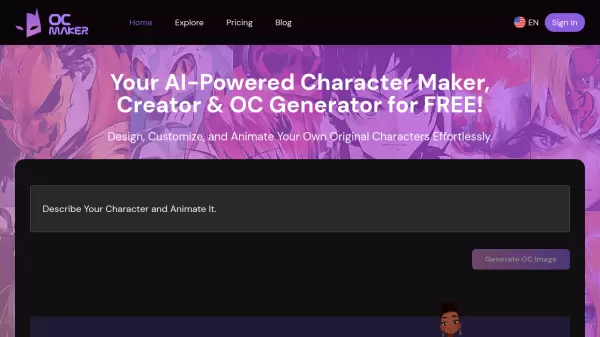
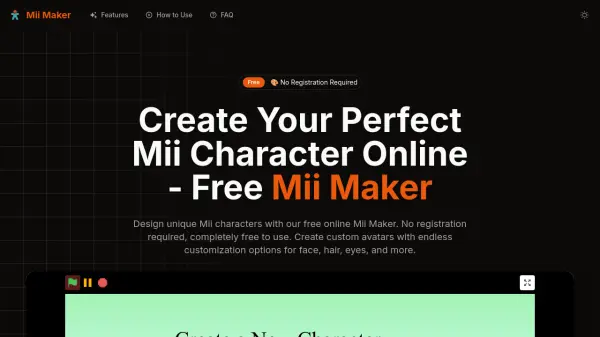
Mii Maker is a free online character creator that enables users to design personalized Mii avatars with extensive customization options. It offers a user-friendly interface accessible on any device, allowing for instant creation and real-time previews without the need for registration, downloads, or hidden costs.
The tool provides over 100 customization options, including face shapes, hairstyles, eye types, clothing, and accessories, ensuring endless creativity. Users can save their creations as high-quality image files for personal or commercial use, making it ideal for gaming avatars, social media profiles, and digital art projects.
Features
- Extensive Face Customization: Adjust face shape, size, and proportions with precision controls
- Multiple Hairstyle Options: Choose from dozens of hairstyles and colors
- Eye and Eyebrow Editor: Customize eye shape, color, size, and eyebrow styles
- Clothing and Accessories: Dress your Mii with various clothing options, hats, glasses, and accessories
- Real-time Preview: See changes instantly with live preview updates
- Cross-Platform Compatible: Use on any device - desktop, tablet, or mobile phone
Use Cases
- Creating gaming avatars
- Designing social media profile pictures
- Developing digital art projects for education
- Generating custom characters for content creation
- Making personalized avatars for entertainment
FAQs
-
How many customization options are available in Mii Maker?
Mii Maker offers over 100 different customization options including face shapes, hairstyles, eye types, clothing, accessories, and color variations for endless creativity. -
Can I use my created Mii characters commercially?
Yes! All Mii characters you create are yours to use freely, including for commercial purposes, social media profiles, gaming avatars, or any other application. -
Is there a limit to how many Mii characters I can create?
No limits! Create as many Mii characters as you want. There are no restrictions on the number of characters you can make or how often you can use the tool. -
Do I need to install any software to use Mii Maker?
No installation needed! Mii Maker runs entirely in your web browser, so you can start creating characters instantly without downloading any software or plugins.