What is Meetloaf?
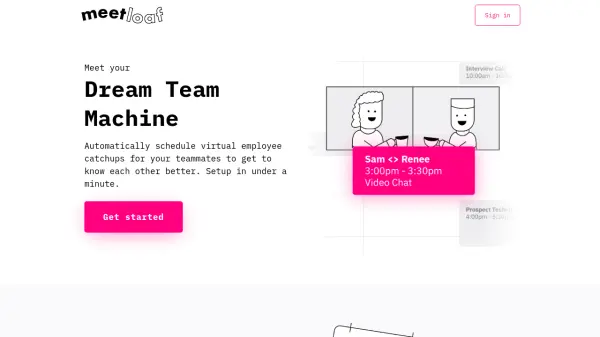
Meetloaf simplifies team bonding by automating the scheduling of virtual employee catch-ups. Sync your company or specific teams, and the platform will automatically arrange one-on-one meetings between colleagues. You can set objectives for meetings, such as getting to know each other or discussing work-life balance, and add specific prompts to guide conversations. The tool integrates seamlessly with Google Calendar and Outlook, reducing administrative overhead and strengthening workplace relationships.
Features
- Automatic Scheduling: Automatically pairs team members and schedules one-on-one meetups based on calendar availability.
- Objective Setting: Allows setting goals and prompts for meetings, such as getting to know each other or discussing specific topics.
- Calendar Integration: Supports Google Calendar and Outlook for seamless syncing.
Use Cases
- Foster team bonding in remote or hybrid workplaces.
- Encourage cross-departmental communication and collaboration.
- Onboard new employees by pairing them with colleagues.
- Facilitate mentorship or buddy programs.
FAQs
-
How does Meetloaf pair team members?
Meetloaf uses calendar availability and team data to automatically pair colleagues for one-on-one virtual meetings. -
Can I set specific goals for meetings?
Yes, you can set objectives and prompts for meetings, such as discussing work-life balance or specific projects. -
Which calendars does Meetloaf support?
Meetloaf supports Google Calendar and Outlook. -
How long does it take to set up?
Setup takes under a minute.