
What is Media Podium?
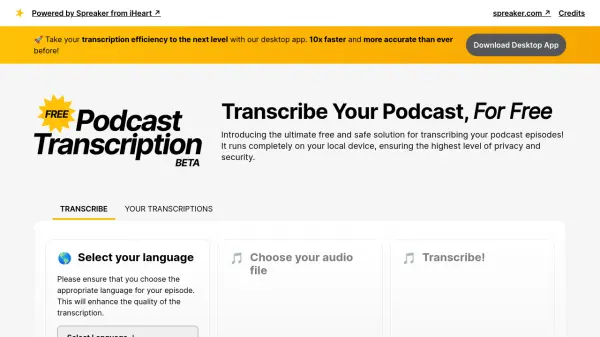
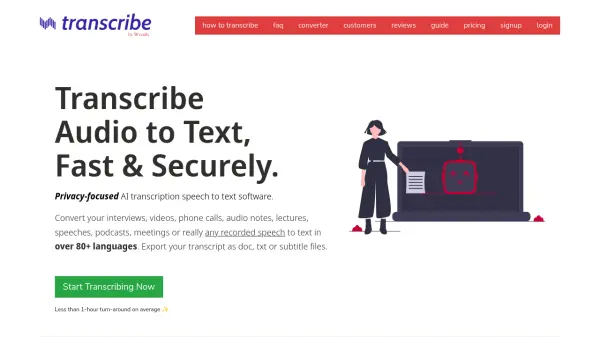
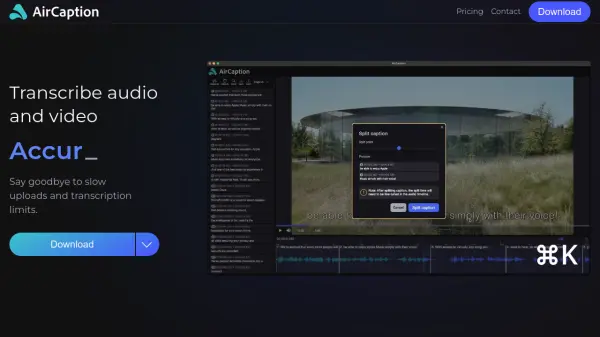
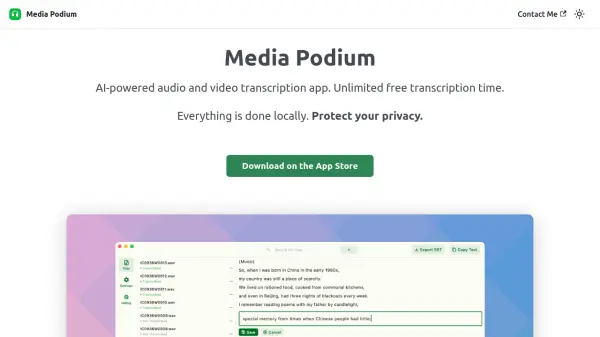
Media Podium is an advanced application leveraging artificial intelligence to provide transcription services for both audio and video files. It stands out by offering unlimited transcription time at no cost, ensuring accessibility for all users. A key feature is its local processing capability, meaning all transcription tasks are performed directly on the user's device. This approach significantly enhances privacy and security, as sensitive data never leaves the user's control and there is no risk of personal data leakage.
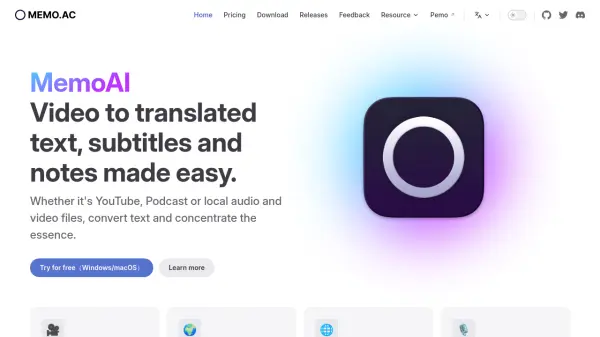
The application supports a wide array of audio and video file formats and can handle nearly 100 different languages, including automatic language detection. Users can export transcriptions as subtitle files (SRT/VTT) or as plain text. It also includes functionality for translating content from any supported language into English. Further enhancing usability, Media Podium allows users to modify transcription results, works entirely offline without requiring an internet connection, and does not necessitate account creation or login for usage.
Features
- Unlimited free transcription time: Transcribe audio and video without time limits at no cost.
- Local Processing: All transcriptions are done on the user's device, ensuring data privacy.
- Wide Format Support: Compatible with almost all audio and video file formats.
- Multiple Export Options: Export transcriptions as subtitles (SRT/VTT) or plain text.
- Multi-Language Support: Recognizes nearly 100 languages with automatic detection.
- Translation to English: Translate transcriptions from any supported language into English.
- Offline Functionality: Works without an internet connection.
- No Account Required: Use the app without needing to sign up or log in.
- Editable Transcriptions: Allows users to modify the generated transcription results.
- Queue Processing: Automatically transcribe multiple files one by one.
Use Cases
- Transcribing interviews for journalists or researchers.
- Creating subtitles for videos (SRT/VTT format).
- Converting lectures or meetings into text notes.
- Making audio content accessible.
- Translating spoken content into English text.
- Generating text versions of podcasts.