What is Masterpiece X?
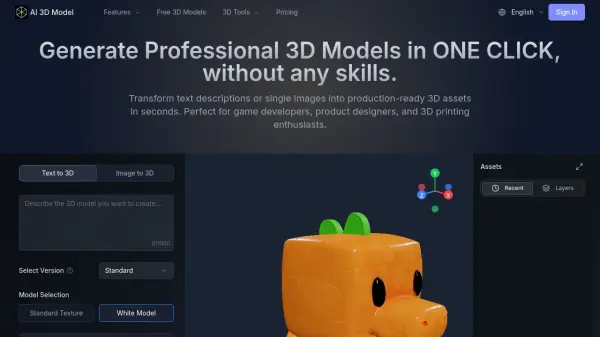
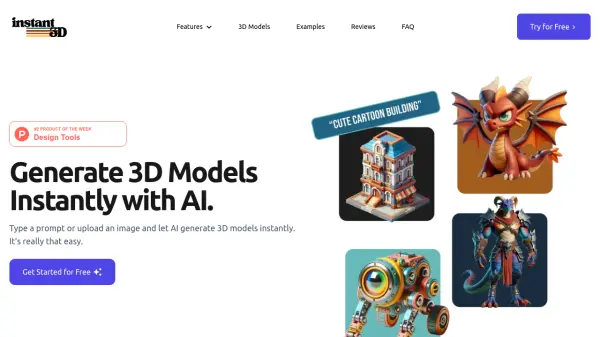
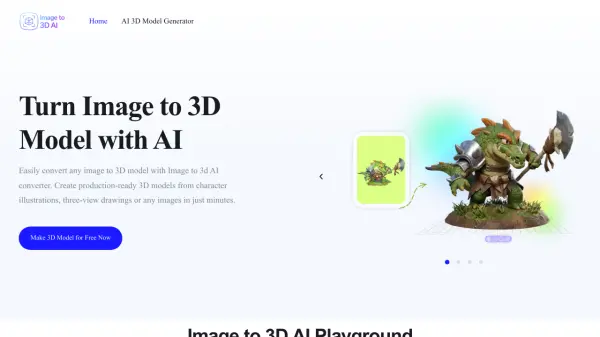
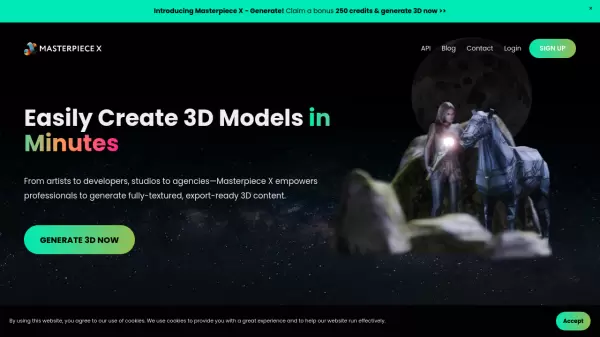
Masterpiece X revolutionizes the 3D creation workflow by offering an innovative AI-powered platform that converts simple text prompts or images into fully-textured, export-ready 3D models. The platform eliminates the traditional complexities of 3D modeling, making it accessible to professionals regardless of their technical expertise.
The system streamlines the entire 3D creation process, offering automatic texturing, rigging capabilities for humanoid models, and flexible export options in various formats including GLB, FBX, and USDZ. This versatility ensures seamless integration with major game engines, design software, and 3D platforms.
Features
- Text-to-3D Generation: Create 3D models from simple text descriptions
- Image-to-3D Conversion: Transform 2D images into 3D models
- Automatic Texturing: Built-in texture generation for all models
- Dual Creation Modes: Simple mode for rapid concepts and Custom mode for detailed adjustments
- Character Rigging: Automatic rigging and basic animations for humanoid models
- Multiple Export Formats: Support for GLB, FBX, and USDZ formats
Use Cases
- Rapid prototyping for game development
- Concept visualization for designers
- 3D asset creation for virtual worlds
- Interactive experience development
- Product visualization
- Virtual character creation
FAQs
-
What file formats can I export my 3D models in?
You can export your models in GLB, FBX, or USDZ formats. -
Do I need any special hardware or software to use Masterpiece X?
No, Masterpiece X requires zero hardware setup and no software installation. All you need is a web browser and internet connection. -
How many credits do I get when I first sign up?
New users receive a bonus of 250 free credits upon creating an account.