What is Mashup 2?
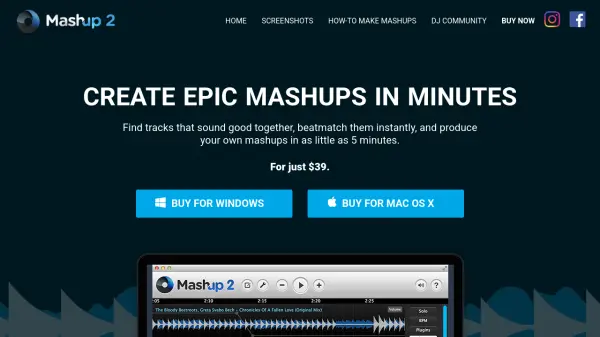
Mashup 2 is software developed to simplify the creation of music mashups. It assists users by analyzing their music library to identify tracks that are harmonically compatible, preventing clashes between elements like basslines, vocals, or melodies. This harmonic mixing capability ensures a smoother and more professional sound for the final mashup.
The software also features automatic beatmatching. It detects the BPM (beats per minute) of the primary track and adjusts the tempo of any additional tracks selected, synchronizing them seamlessly. This eliminates the manual effort typically required for beatmatching, allowing users to focus on the creative aspects of combining songs. Mashup 2 supports working with MP3 files and enables the addition of vocals or acapellas to instrumental tracks, functioning as an all-in-one solution for producing mashups, DJ mixes, radio shows, or workout music playlists.
Features
- Harmonic Mixing: Analyzes music and identifies tracks that are 100% harmonically compatible.
- Auto Beatmatching: Automatically detects the BPM of one track and adjusts the tempo of others to match.
- MP3 Compatibility: Works with users' existing MP3 music libraries.
- Vocal/Acapella Integration: Allows adding vocals or acapellas to instrumental tracks.
Use Cases
- Creating music mashups.
- Producing DJ mixes and radio shows.
- Compiling workout music playlists.
- Planning harmonically compatible DJ sets.
- Discovering songs that sound good together.