
What is Mango Mail?
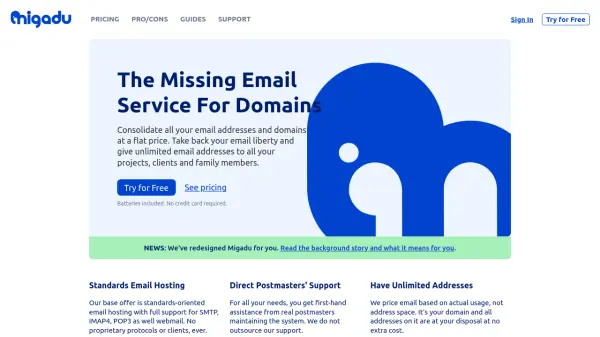
Mango Mail provides an efficient and scalable email hosting solution tailored for businesses seeking to manage unlimited domains and users under a single subscription. Its clean dashboard allows teams to easily configure and oversee their email setup while advanced features like customizable filters, IP reputation monitoring, strong spam filtering, and secure 2FA authentication ensure reliability and safety.
With Mango Mail, users benefit from seamless mailbox migration through the Simple Transfer tool, compatibility with popular mail clients, powerful backup capabilities, and robust organizational features such as aliasing, plus addressing, and catch-all support. Businesses enjoy reliable support and comprehensive documentation, making set-up and email management straightforward for teams of any size.
Features
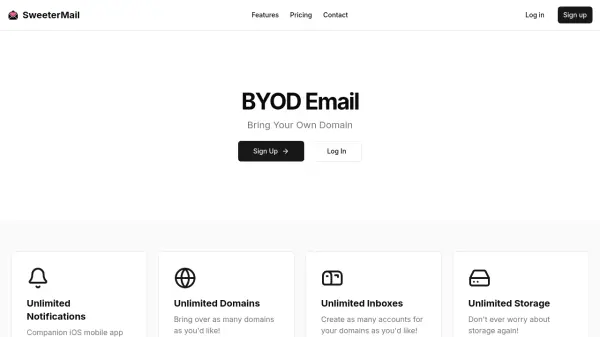
- Unlimited Domains and Users: Manage all your businesses and employees with a single plan.
- Simple Transfer Migration: Fast, comprehensive, and automated mailbox transfers from other providers.
- Advanced Spam Filtering: Robust protection against unwanted and malicious emails.
- IP Reputation Monitoring: Continuous monitoring to reduce spam placement.
- Aliasing and Catch-All Support: Flexible address management and mail handling.
- Custom Filters: Create personalized email routing and organization rules.
- Automatic Data Backups: Secure, regular backups to prevent data loss.
- Auto-Compression: Efficiently compresses data to optimize storage use.
- Insight Dashboard: View statistics and manage addresses for your domains.
- Two-Factor Authentication: Enhance account security with 2FA support.
Use Cases
- Centralized professional email hosting for multiple businesses or domains.
- Seamless migration from Gmail, Outlook, or other providers without data loss.
- Affordable scalable email solution for growing teams and startups.
- Secure and reliable email communications for remote or distributed teams.
- Business continuity planning with robust email backup and recovery.
- Organizing incoming mail with custom filters, aliasing, and plus addressing.
- Reducing spam risk through advanced server-side filtering and IP reputation management.
FAQs
-
What email clients are compatible with Mango Mail?
Mango Mail works with popular email clients such as Gmail, Outlook, iOS Mail, and Thunderbird via SMTP, IMAP, and POP3 protocols. -
Does Mango Mail support mailbox migration from other providers?
Yes, Mango Mail's Simple Transfer tool allows automatic and complete mailbox migration from providers like Gmail and Outlook. -
Is there a limit to the number of domains or users I can add?
No, Mango Mail allows unlimited domains and users under a single subscription plan. -
How is email security handled?
Mango Mail provides spam filtering, IP reputation monitoring, two-factor authentication, and automatic data backups to ensure secure email communication.