malmal favicon

malmal
Draw and Paint Online with Friends and Strangers Worldwide

What is malmal?

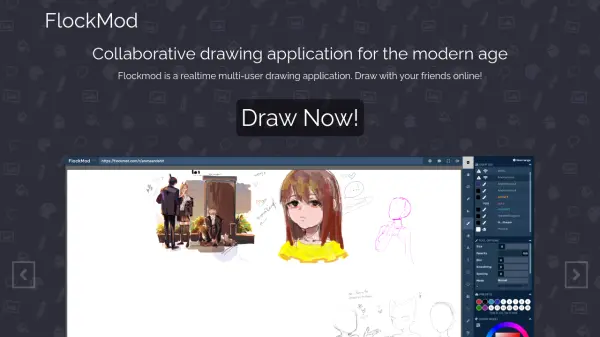
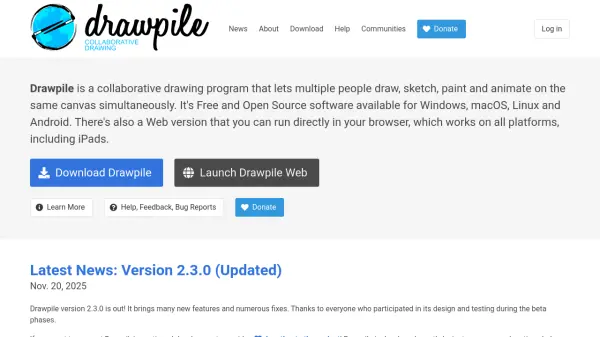
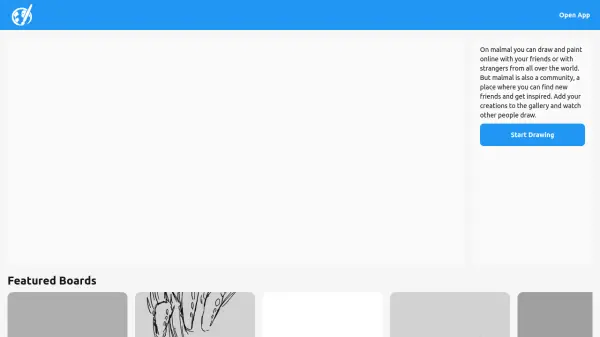
malmal is an online platform designed for drawing and painting in a collaborative environment. Users can create art with friends or connect with strangers from around the world, making it a versatile tool for real-time artistic interaction. The platform fosters a community atmosphere where individuals can share their creations, explore others' work, and find inspiration through featured boards and gallery posts.

It offers a space for artists to showcase their drawings in a public gallery, engage with diverse artistic styles, and participate in a global network of creators. The focus is on accessibility and social connectivity, allowing users to start drawing immediately and interact within a supportive community.

Features

  • Online Drawing: Real-time drawing and painting capabilities with others
  • Collaborative Art: Ability to create art with friends or strangers worldwide
  • Community Gallery: Feature to add creations to a gallery and view others' artwork
  • Social Interaction: Platform for finding new friends and getting inspired
  • Featured Boards: Access to curated boards showcasing various artistic themes

Use Cases

  • Collaborative art projects with remote friends
  • Social drawing sessions with strangers for creative exchange
  • Sharing personal artwork in an online community gallery
  • Finding inspiration by viewing others' drawings and paintings
  • Engaging in real-time artistic interactions globally

Related Tools:

Blogs:

  • Chat with PDF AI Tools

    Chat with PDF AI Tools

    Easily interact with your PDF documents using our advanced AI-powered tool. Whether you're reading lengthy reports, research papers, contracts, or eBooks, our platform lets you chat directly with your PDF files, ask questions, extract insights, and get summaries in real-time.

  • Top 6 AI note-taking tools for 2026: in-person, online, and hybrid use cases

    Top 6 AI note-taking tools for 2026: in-person, online, and hybrid use cases

    Most AI note-taking lists are really lists of meeting bots, which join your video call and transcribe it. That's useful, but it's half the picture. Decisions happen in hallway conversations, client dinners, on-site visits, and hybrid rooms where nobody is on a video link. This guide covers different parts of the note-taking workflow: hardware capture for in-person settings, platform-native tools for online calls, and AI layers for organizing and synthesizing what you've captured. It compares six tools by capture context, workflow fit, pricing, and limitations.

  • Best text to speech AI tools

    Best text to speech AI tools

    Text-to-speech (TTS) AI tools are designed to convert written or text-based content into natural-sounding spoken audio. These tools utilize various deep learning and neural network architectures to generate human-like speech from textual input.

Didn't find tool you were looking for?

Be as detailed as possible for better results