What is Mailtarget?
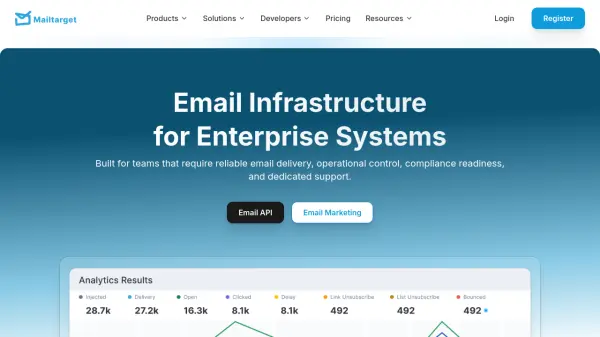
Mailtarget is an email infrastructure platform designed for enterprise systems, providing reliable email delivery, operational control, compliance readiness, and dedicated support. It offers two main products: Email API for transactional and system emails, and Email Marketing for compliant communication at scale. The platform is built to handle growing workloads while maintaining performance and security, with features like domain authentication, transport security, and compliance readiness.
The service includes delivery analytics and tracking, allowing users to monitor sends, opens, clicks, and bounces through the dashboard or API. With servers located in Indonesia, Mailtarget caters specifically to Southeast Asian clients, enhancing local service reliability. It supports migration from services like SES, SendGrid, and Mailchimp with personalized onboarding and configuration assistance.
Features
- Email API: REST API, SMTP, and SDK support for scalable and reliable email delivery
- Email Marketing: Drag-and-drop email builder with automation workflows and CRM integration
- Delivery Analytics: Access to delivery logs, email reports, and engagement metrics via dashboard or API
- Security & Compliance: SPF, DKIM, domain authentication, and enterprise security features
- Scalable Infrastructure: Designed for 99.9% uptime and high email delivery capacity
Use Cases
- Transactional email delivery for e-commerce and SaaS applications
- Email marketing campaigns with audience segmentation and automation
- Enterprise email system migration from services like SES or SendGrid
- Compliant email communication for regulated industries
- High-volume email sending with reliable deliverability