What is LinkedIn Post Creator?
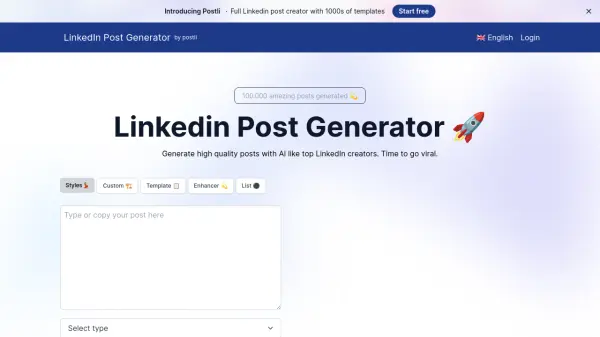
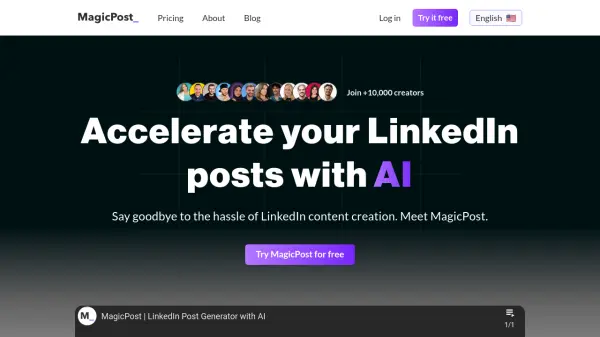
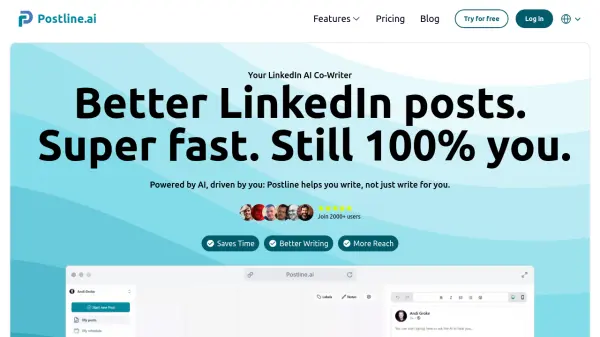
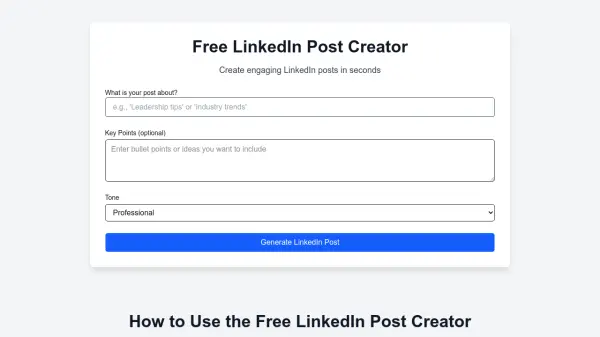
LinkedIn Post Creator is a free online tool designed to help users quickly generate engaging content for their LinkedIn profiles. Users simply input their desired post topic, optionally add key points for guidance, and select a tone (Professional, Conversational, Enthusiastic, or Educational). The tool then automatically creates a structured post ready for sharing.
This tool saves users valuable time by eliminating the need to brainstorm post ideas from scratch. The generated content is optimized according to LinkedIn best practices to encourage engagement. While the tool provides a complete post, users can easily customize and add their personal touch before publishing, ensuring the final content aligns perfectly with their voice and goals.
Features
- Topic Input: Enter the main subject of your LinkedIn post.
- Optional Key Points: Add specific points or ideas to structure the generated post.
- Tone Selection: Choose from Professional, Conversational, Enthusiastic, or Educational tones.
- Instant Post Generation: Creates a fully structured LinkedIn post in seconds.
- Engagement Optimized: Follows LinkedIn best practices for better reach and interaction.
Use Cases
- Quickly generating LinkedIn content.
- Overcoming writer's block for social media posts.
- Maintaining a consistent posting schedule on LinkedIn.
- Creating posts tailored to specific tones for different audiences.
- Drafting initial LinkedIn posts for later refinement.