What is LinkedIn?
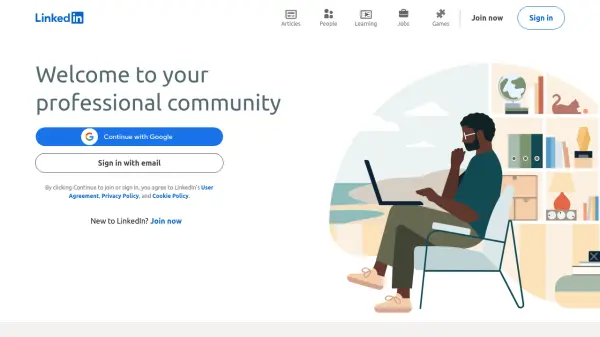
LinkedIn serves as a comprehensive professional networking platform designed to connect individuals across various industries worldwide. It facilitates career development by enabling users to build and maintain professional relationships, showcase their skills and experience, and explore job opportunities posted by numerous companies.
Beyond networking and job searching, LinkedIn offers a vast library of online courses through LinkedIn Learning, covering topics from business and technology to creative skills. The platform also features collaborative articles, initiated with AI assistance, where experts contribute insights, fostering community knowledge sharing and keeping users informed about industry trends and discussions.
Features
- Professional Profile Creation: Build and showcase your career history, skills, and experience.
- Networking: Connect with colleagues, classmates, industry leaders, and recruiters.
- Job Board: Search and apply for jobs and internships posted by companies.
- LinkedIn Learning: Access a wide range of online courses for professional development.
- Content Sharing: Post updates, articles, and insights to engage with your network.
- Collaborative Articles: Participate in or read articles enhanced with expert insights, sometimes initiated with AI.
- Messaging: Communicate directly with connections.
- Company Pages: Follow companies for updates and job openings.
Use Cases
- Building a professional online presence.
- Networking with industry peers and potential employers.
- Searching for and applying to job opportunities.
- Recruiting talent for organizations.
- Acquiring new skills through online courses.
- Staying informed about industry news and trends.
- Sharing professional insights and achievements.
- Connecting with potential clients or business partners.
FAQs
-
Who is LinkedIn for?
LinkedIn is for anyone looking to navigate their professional life, including finding coworkers, classmates, jobs, courses, or training. -
How can I find a job on LinkedIn?
You can use the 'Jobs' section to search for positions based on title, skill, or company, and filter by location and other criteria. You can also let recruiters know you're open to work privately or publicly. -
What is LinkedIn Learning?
LinkedIn Learning offers a wide range of online courses across various topics like business, technology, and creative skills to help users succeed professionally. -
How does LinkedIn use AI?
LinkedIn uses AI to help start collaborative articles, allowing experts to add insights directly, enhancing community knowledge sharing. AI may also be used in other features like recommendations. -
Can I use LinkedIn for free?
Yes, LinkedIn offers basic membership for free, allowing you to create a profile, connect with others, and search for jobs. Premium subscriptions offer additional features.