What is Linito?
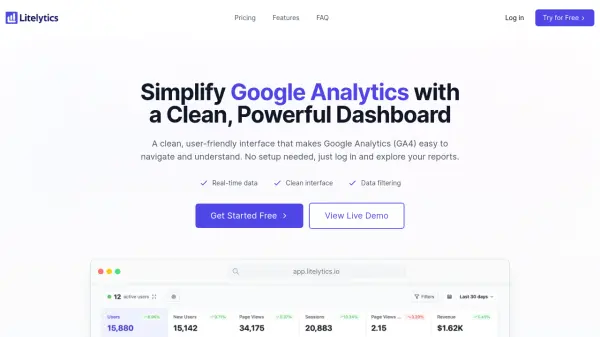
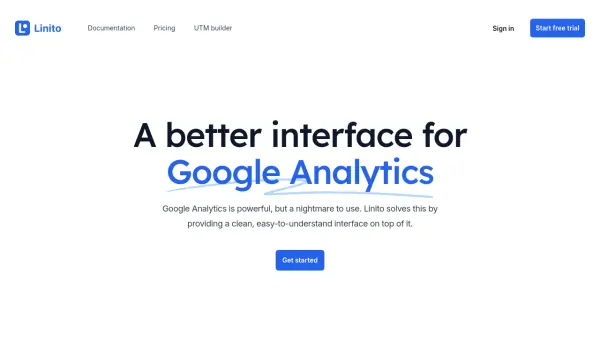
Linito enhances the Google Analytics experience by presenting website analytics through a clean, intuitive interface. It enables users to quickly visualize web traffic, understand visitor acquisition and behavior, and identify conversion actions with ease. By simplifying data presentation, Linito eliminates the complexity of traditional analytics dashboards, making insights accessible at a glance.
With seamless integration to GA4, Linito supports unlimited websites and visitors, offering detailed segmentation, comparison, and conversion tracking. Users can confidently analyze trends, measure performance, and make informed decisions without losing access to their core analytics data.
Features
- Unified Dashboard: View website traffic, acquisition, and behavior in one place
- Detailed Filtering: Segment and analyze traffic with powerful filters
- Conversion Tracking: Identify which visitors perform key actions
- Period Comparison: Compare traffic and segments over different periods
- GA4 Integration: Seamless connection to Google Analytics data
- Unlimited Access: Supports unlimited websites and visitors
- Data Portability: Easily retain access to original Google Analytics data
Use Cases
- Streamlining web analytics for marketing teams
- Monitoring website traffic and visitor behavior
- Tracking conversion actions such as sign-ups and demo bookings
- Segmenting traffic sources for detailed analysis
- Comparing performance across different time periods
FAQs
-
Does Linito require Google Analytics to work?
Yes, Linito integrates with Google Analytics GA4 to present your analytics data with a streamlined interface. -
Will I lose access to my data if I stop using Linito?
No, your data remains in Google Analytics and is not locked in by Linito. -
What is included in the subscription?
Subscriptions include unlimited visitors, unlimited websites, and access to all analytics and filtering features.