What is Lightpanda?
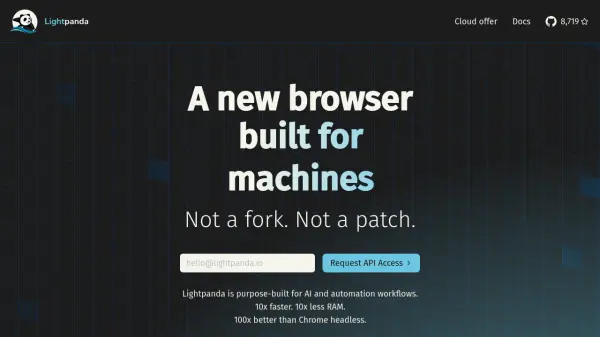
Lightpanda introduces a specialized web browser designed from the ground up specifically for headless operations, targeting AI and automation workflows. It is engineered to provide substantially improved performance, claiming to be up to 10 times faster while consuming 10 times less RAM than conventional headless browsers like Chrome. This focus on efficiency makes it suitable for demanding tasks without the overhead associated with graphical rendering.
Developed using the Zig programming language, Lightpanda avoids reliance on existing browser frameworks, aiming for maximum performance and efficiency. The creators, experienced in large-scale web scraping, built Lightpanda to overcome the limitations they faced with traditional tools. It aims to empower developers and businesses involved in web scraping, AI agent development, and website automation by offering a more robust and resource-efficient alternative through its cloud offering.
Features
- Purpose-Built for AI & Automation: Designed specifically for headless operation in AI and automation workflows.
- High Performance: Offers up to 10x faster execution time compared to headless Chrome.
- Low Resource Consumption: Utilizes up to 10x less RAM than headless Chrome.
- Scalable Scraping: Handles resource-intensive web scraping with minimal CPU/memory footprint.
- AI Agent Enablement: Provides web capabilities for AI agents with instant startup.
- Website Automation: Transforms websites into programmatic interfaces via JavaScript and web APIs.
- Built from Scratch: Developed independently in Zig, not a fork of existing browsers.
- Cloud Offer & Compatibility: Provides a cloud service compatible with Puppeteer and Playwright.
Use Cases
- Developing and running AI agents that require web interaction.
- Performing large-scale, resource-intensive web scraping operations efficiently.
- Automating tasks on websites through programmatic control.
- Building workflows requiring high-performance, low-latency headless browsing.
- Reducing infrastructure costs associated with headless browser automation.
- Integrating browser automation into AI pipelines.