What is Leksi?
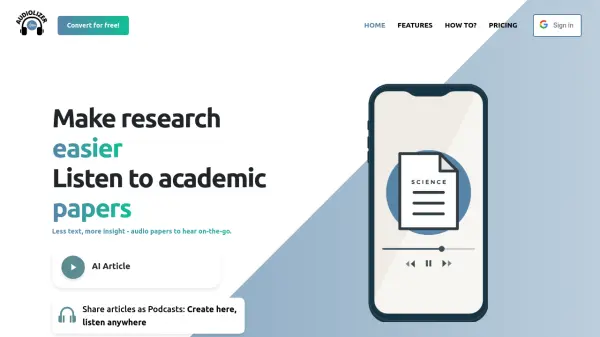
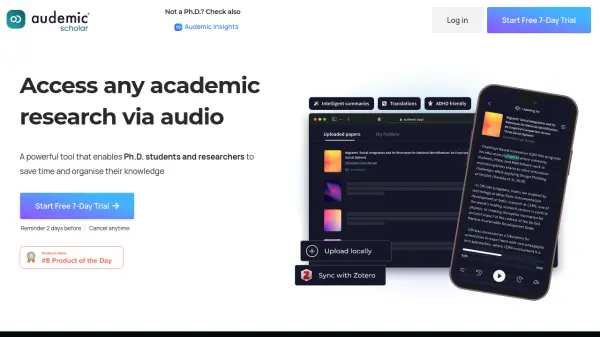
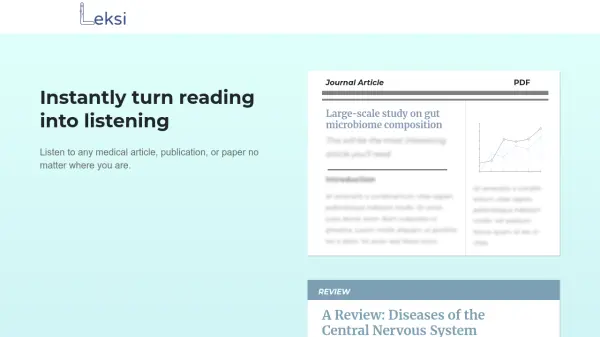
Leksi leverages artificial intelligence to instantly convert medical articles, journal publications, guidelines, and documents into high-quality audio. Designed for healthcare professionals and researchers, it supports all popular document formats, including PDFs, Word files, text documents, and PowerPoint slides, allowing users to stay updated with the latest in medical research and clinical practice while multitasking.
This tool offers a seamless, installation-free experience accessible on Mac, Windows, Chrome, and mobile devices. With features like article playlists and anytime playback, Leksi helps users get more reading done efficiently, whether they're commuting, exercising, or managing a busy schedule.
Features
- Multi-Format Support: Converts PDFs, Word documents, text files, and PowerPoint slides into audio
- AI-Powered Conversion: Instantly transforms written content into high-quality audio
- Anytime Playback: Allows saving articles to a playlist and listening on demand
- Cross-Platform Accessibility: Functions on Mac, Chrome, Windows, and mobile platforms
- No Installation Required: Completely web-based with no app or software needed
- Share Functionality: Share audio articles with friends and colleagues
Use Cases
- Listening to medical research and clinical guidelines while commuting
- Increasing productivity by consuming articles during exercise or chores
- Staying up-to-date with the latest medical publications on the go
- Assisting visually impaired professionals with access to medical literature
- Reviewing journal articles hands-free during busy schedules
FAQs
-
What document formats does Leksi support?
Leksi supports all popular document formats, including PDF, Word, text documents, and PowerPoint slides. -
Is there any software installation required to use Leksi?
No app or software installation is needed; Leksi is completely web-based and accessible across devices. -
Can I save and listen to articles later?
Yes, users can save articles to their playlist and listen anytime they choose. -
Is Leksi suitable for use on mobile devices?
Yes, Leksi works seamlessly on mobile as well as Mac, Windows, and Chrome platforms.