

What is Listening?
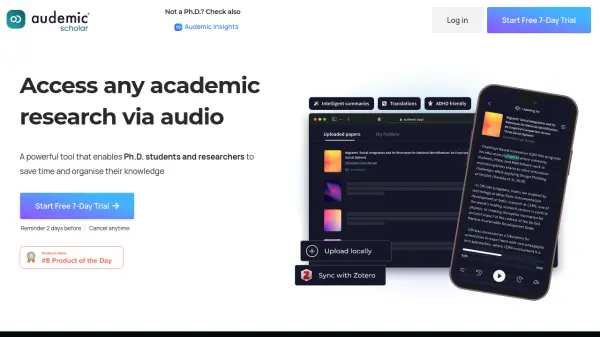
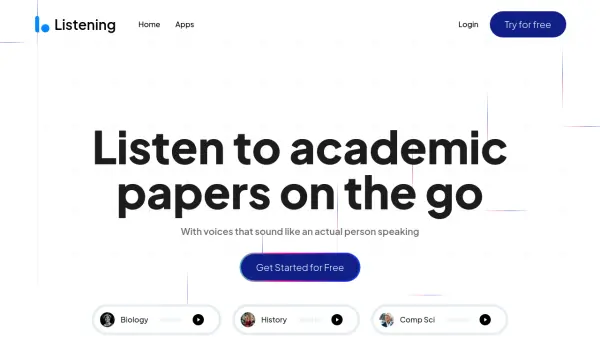
Listening is an AI-powered application designed to convert academic papers, documents, and other text-based materials into natural-sounding audio. It utilizes advanced artificial intelligence to generate voices that closely resemble human speech, enabling users to listen to content instead of reading it. The platform supports a wide range of input formats, including PDF files, Word documents, MOBI, EPUB, pasted text, website URLs, and scanned physical pages, accessible through mobile apps and a Chrome extension.
This tool helps users, particularly students and researchers, save time and absorb information more effectively by allowing them to listen while engaging in other activities like commuting, exercising, or household chores. Key features include adjustable playback speed (up to 3x), the ability to select specific sections for listening, and automatic skipping of citations, references, and footnotes. Additionally, Listening offers a unique one-click note-taking function that captures recently heard audio segments, enhancing study and research workflows.
Features
- AI-Powered Narration: Converts text to audio with natural-sounding AI voices.
- Multi-Format Support: Accepts PDFs, Word Docs, MOBI, EPUB, pasted text, website URLs, and scanned pages.
- Selective Listening: Allows users to choose specific sections of a paper to listen to.
- Automatic Skipping: Intelligently skips citations, references, and footnotes during playback.
- Adjustable Playback Speed: Control listening speed from 0.75x up to 3x.
- One-Click Note Taking: Captures the last heard sentences with a single click, auto-timestamped.
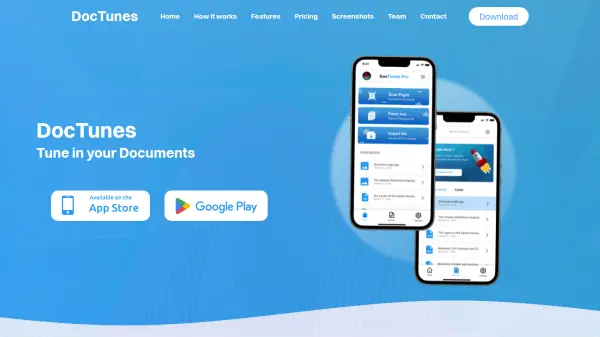
- Cross-Platform Access: Available via iOS app, Android app, and Chrome Extension.
- Multiple Voice Options: Choose from different AI narrator voices.
Use Cases
- Listening to academic research papers while commuting or traveling.
- Consuming study materials during exercise, cooking, or chores.
- Accelerating literature reviews by listening at higher speeds.
- Assisting individuals with dyslexia or visual impairments in accessing text content.
- Taking audio notes from research papers efficiently.
- Preparing for academic discussions by listening to relevant articles.
- Converting lengthy documents or textbooks into audio format for easier digestion.
FAQs
-
Can Listening pronounce complex academic or scientific terms accurately?
Yes, Listening is designed to handle difficult terminology found in academic papers and provides good pronunciation, including for niche or scientific words. Users can also report rare mispronunciations. -
Is it possible to listen to only specific parts of a document, like the abstract or results?
Yes, the application allows you to select specific sections of a paper for listening, enabling you to focus on parts like the abstract or results if desired. -
Does the app read out citations, references, or footnotes?
No, Listening automatically skips inline citations, footnotes, and reference sections during playback to provide a smoother listening experience focused on the main content.