What is Leasetool?
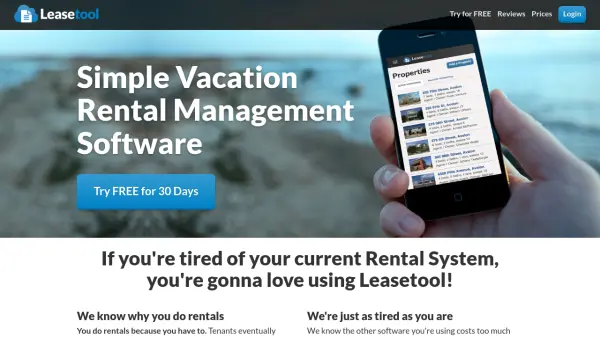
Leasetool is a vacation rental management software designed to streamline rental operations for real estate professionals. It provides a user-friendly platform that can be learned quickly, enabling users to create leases, manage property listings, and communicate efficiently with all parties involved in the rental process. The software is web-based and compatible with all devices, allowing for flexibility and accessibility from anywhere.
The tool includes features such as a lease template editor for customizing lease language, instant updates to all leases, and automated notifications to agencies, owners, tenants, and agents. It aims to reduce manual work by turning hours of tasks into minutes, helping users focus more on sales and less on administrative duties. Leasetool is continuously updated with new features to enhance its functionality as a comprehensive rental system.
Features
- Web-Based Platform: Works on all devices for flexible access and management
- Lease Template Editor: Update lease language, create clauses, re-order clauses, and delete clauses on the fly
- Instant Updates: Apply changes to all leases immediately with automatic updates
- Communication Tools: Email owners, tenants, and agents when leases are made, and alert agencies of bookings or rate changes
- Property Owner Integration: Invite owners to set rates and update their own listings directly
Use Cases
- Creating and customizing lease agreements for vacation rentals
- Managing property listings with photos taken from mobile devices
- Automating communication with tenants, owners, and real estate agents
- Streamlining rental operations to reduce administrative workload
- Allowing property owners to update rates and listings independently