What is Layouts?
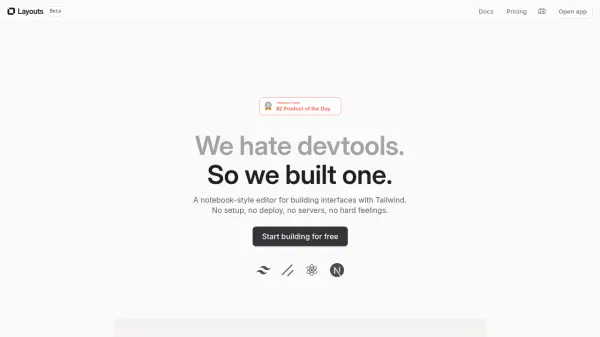
Layouts provides a streamlined, notebook-style editor specifically created for developing user interfaces using TailwindCSS. It aims to simplify frontend development by removing complexities like extensive setup processes and deployment configurations. Users can instantly create, preview, and iterate on their designs with results updating live at every keystroke across multiple devices or screens.
The platform offers a simplified syntax, similar to HTML and React but designed for enhanced readability and reduced boilerplate, handling CSS quirks automatically. It includes access to hundreds of headless components and thousands of assets from libraries like Radix, shadcn/UI, and Layouts UI, which can be added quickly. AI assistance is available to help generate Tailwind utility classes based on plain English descriptions, while still allowing full code access for customization. Projects can be exported to production-grade HTML and React code, and integration with NextJS is supported via a CLI command for live synchronization.
Features
- Notebook-Style Editor: Provides an intuitive, clutter-free interface for coding.
- TailwindCSS Focused: Specifically designed for building interfaces with TailwindCSS.
- Instant Preview: See live updates of your UI changes as you type.
- Simplified Syntax: Uses a more readable syntax similar to HTML/React with added features.
- Component Library: Access hundreds of pre-made headless components (Radix, shadcn/UI, etc.) and assets.
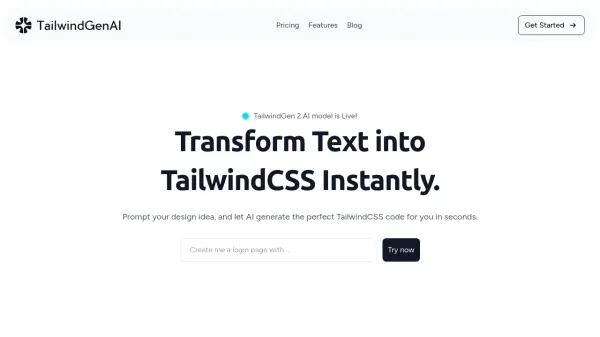
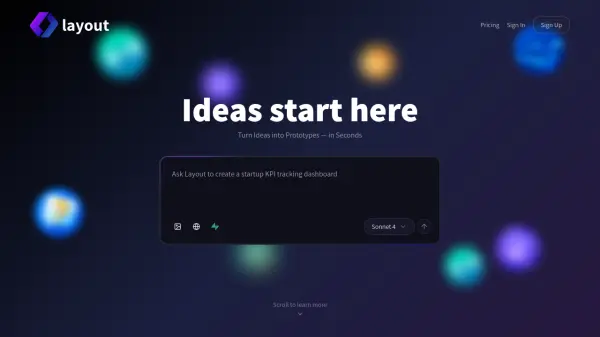
- AI Assistance: Generate Tailwind utility classes by describing the desired element in plain English.
- Code Export: Export projects to production-grade HTML and React code.
- NextJS Integration: Synchronize Layouts projects with NextJS repositories using a CLI command.
Use Cases
- Rapidly prototyping user interfaces with TailwindCSS.
- Building web application frontends efficiently.
- Streamlining the UI development workflow for individuals and teams.
- Learning and applying TailwindCSS concepts visually.
- Designing UIs directly with code in an interactive environment.
- Quickly generating production-ready HTML/React code for web projects.
FAQs
-
Why should I pay for Layouts.dev when there are free code editors?
Layouts.dev is a complete visual development environment tailored for TailwindCSS with pre-made components, AI assistance, and real-time previews designed to significantly speed up the workflow beyond traditional editors. -
I'm new to TailwindCSS, is Layouts.dev still for me?
Yes, Layouts is suitable for beginners. Its visual tools and AI assistance facilitate learning and using TailwindCSS without needing deep initial coding knowledge. -
How does the AI assistance actually work?
The AI is trained on Tailwind code. Describe what you want to build in plain English, and it generates the relevant utility classes, which you can then visually tweak or modify. -
What if I need customizations that the AI can't handle?
You have full access to the underlying code. You can tweak AI-generated code, use pre-made components, or write custom code from scratch. -
What happens to my code if I want to cancel my subscription?
Your code remains yours. You can export all your underlying code to use elsewhere if you decide to stop using Layouts.