What is KWIKmotion?
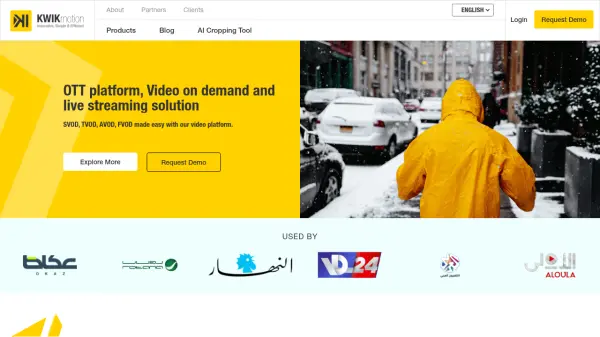
KWIKmotion is a complete video platform designed to make Subscription Video on Demand (SVOD), Transactional Video on Demand (TVOD), Advertising-based Video on Demand (AVOD), and Free Video on Demand (FVOD) easy. It offers a comprehensive Content Management System (CMS) that allows users to manage their multi-screen content library, curate, monetize, and serve video metadata without relying on third-party providers.
The platform features advanced technology to ensure optimal video delivery and playback. This Includes a cutting-edge OTT video player with built-in adaptive quality switching. KWIKmotion also integrates with NPAW's analytics suite for Quality of Experience monitoring and optimization.
Features
- KWIKprime: Comprehensive CMS for managing multi-screen content library, curation, monetization, and video metadata.
- KWIKplayer: OTT video player with adaptive quality switching for optimal playback.
- Analytics: Integration with NPAW's analytics suite for Quality of Experience monitoring.
- KWIKanalytics: Dashboard for visualizing critical metrics and audience engagement.
- KWIKeditor: Cloud-based video editor for preparing videos for any device or platform.
Use Cases
- Launching an OTT platform.
- Managing and distributing video on demand (VOD) content.
- Live streaming events.
- Monetizing video content through various models (SVOD, TVOD, AVOD, FVOD).
- Analyzing video performance and audience engagement.