What is KontextChat?
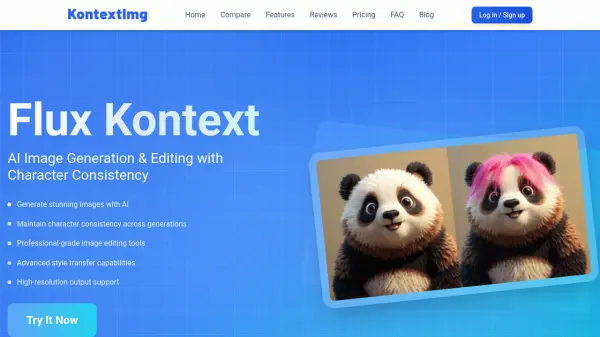
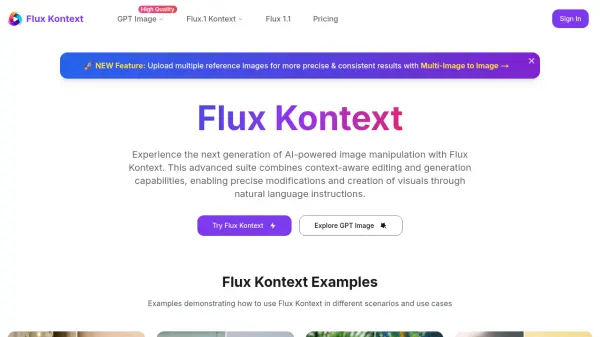
KontextChat is an AI-powered image editing platform that allows users to transform images through natural language conversations. Powered by Flux Kontext technology, it combines advanced computer vision with language processing to understand both the image content and user instructions. Users can upload images in JPG, PNG, or WebP format up to 10MB, then simply type commands like "make this a 90s cartoon" or "change the car color to red." The AI interprets the context and applies edits within seconds, typically 5-10 seconds for simple adjustments and up to 20 seconds for complex transformations.
The platform supports a wide range of tasks including style transfers, object replacement, color changes, background alterations, and even combining multiple images. Users can also brush specific areas for targeted edits. KontextChat offers flexible pricing plans from a free trial to subscription tiers, with options for commercial use and high-quality exports. No design experience is required, making it accessible for beginners while providing powerful tools for professionals.
Features
- Natural Language Editing: Edit images by typing simple text commands.
- Flux Kontext Technology: Understands image context and user intent for precise edits.
- Fast Processing: Most edits complete in 5-10 seconds; complex ones up to 20 seconds.
- Multi-image Composition: Combine two images into seamless compositions.
- Portrait Series: Generate multiple portrait variations from a single image.
- Professional Transformations: Change hairstyles, create headshots, and more.
- Style Transfer: Apply artistic styles or realistic transformations.
- Targeted Editing: Brush specific areas for localized changes.
Use Cases
- Transform a portrait into a different style or background.
- Change an object's color or replace it entirely.
- Remove text or unwanted elements from images.
- Create professional headshots from casual photos.
- Generate marketing visuals and brand content.
- Colorize black-and-white sketches or photos.
- Combine two images into a single composition.
- Create fantasy scenes like a panda astronaut on a unicorn.
FAQs
-
What is Flux Kontext and how does it power KontextChat?
Flux Kontext is the AI engine behind KontextChat that combines advanced computer vision with natural language processing. It allows the platform to understand both your uploaded images and written instructions simultaneously for precise, context-aware edits. -
Do I need design experience to use KontextChat?
Not at all. KontextChat allows you to edit images using simple, natural language instructions. No design skills are required. -
How does Flux Kontext protect my data?
Your images are encrypted in transit, stored on ISO-27001 certified cloud servers, and automatically deleted after 30 days unless you choose otherwise. -
How quickly can I expect edits to be completed?
Most single edits are completed in just 5-10 seconds. More complex transformations may take up to 20 seconds. -
What file formats are supported by KontextChat?
KontextChat supports popular file formats including JPG, PNG, and WebP.