

What is KardsAI?
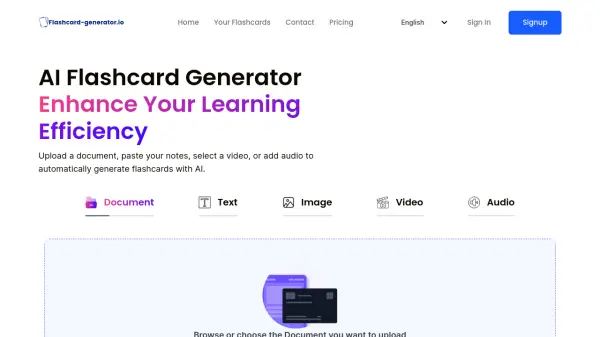
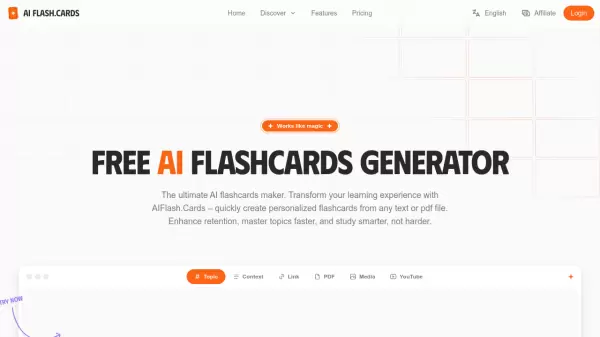
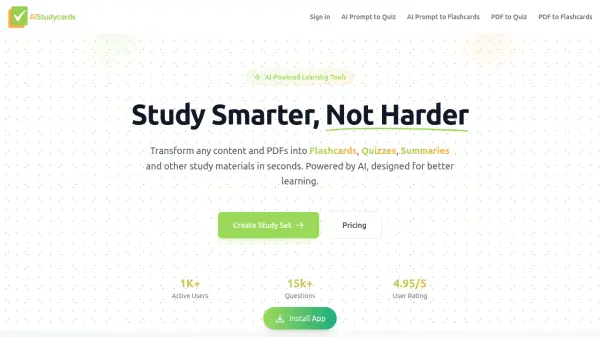
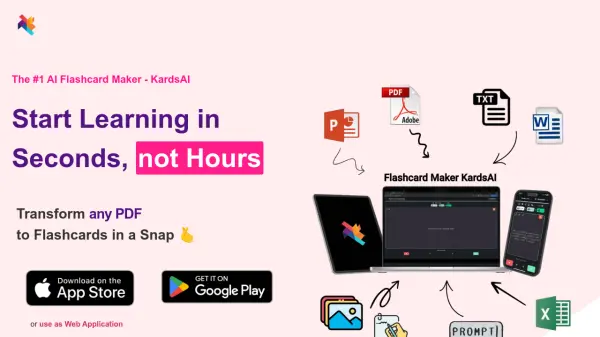
KardsAI is a cutting-edge application designed to revolutionize the way users learn and study. This AI-powered flashcard maker simplifies the process of creating flashcards by accepting a variety of input formats, including PDFs, PowerPoints, text, handwritten notes, prompts, and images. It rapidly converts these inputs into ready-to-use flashcards.
The application employs a sophisticated spaced repetition algorithm to optimize learning and retention. KardsAI supports multiple languages and offers features such as progress tracking and offline access, making it a versatile tool for students, language learners, and knowledge seekers.
Features
- PDF to Flashcards: Convert PDF documents into flashcards.
- PowerPoint to Flashcards: Transform PowerPoint presentations into flashcards.
- Text to Flashcards: Generate flashcards from pasted text.
- Handwritten Notes to Flashcards: Turn handwritten notes into flashcards.
- Image to Flashcards: Create flashcards from images.
- Prompt to Flashcards: Make flashcards on any topic using AI prompts.
- Import Flashcards: Import existing flashcards via Excel.
- Spaced Repetition Algorithm: Optimize learning and long-term retention.
- Progress Tracking: Monitor learning progress and performance.
- Offline Access: Access flashcards without an internet connection.
- Multi-Deck Collections: Organize flashcards into multiple decks.
- Share Decks: Share flashcard decks with friends.
Use Cases
- Exam preparation for students.
- Language learning vocabulary and phrase acquisition.
- General knowledge acquisition on any topic.
- Creating trivia and game decks for entertainment.
- Converting books or other lengthy text into a digestible, learnable format.
FAQs
-
Can I use the app for free?
Yes, KardsAI operates on a freemium model. You can use the app completely free and earn gems by learning your flashcards. Features that are expensive for us to provide, such as AI models, can be used with limitations as a free user (e.g., 3 pages of PDF or 2000 words of pasted text). If you decide to upgrade, we’ve made it very affordable: it costs less than a coffee per month. -
Can I import my existing study material?
Yes! You can easily import any list of existing flashcards with our template. -
Can I share my flashcards with a friend?
Absolutely! You can add and share your flashcard decks with all your friends via the Friend Screen in the app or by sharing the deck copy code. -
How much time does it save me?
On average, the app saves about 2 hours of card preparation for every 10 hours of study, based on our experience. -
What's the difference between KardsAI and apps like Quizlet or Anki?
KardsAI sets itself apart by being a very new and modern app designed with a mobile-first and AI-first approach. Unlike other flashcard apps, we incorporate AI features from the ground up, which allows us to offer exceptional quality and unique features. For example, KardsAI can generate flashcards directly from prompts—a capability not found in other flashcard apps like Quizlet or Anki. This integration of advanced AI features ensures a more efficient and personalized learning experience, making study sessions more productive and engaging.