What is Jim Coach?
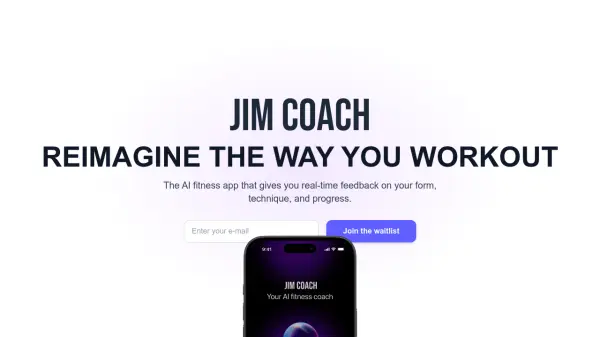
Jim Coach is an innovative AI fitness application designed to enhance workout experiences through real-time feedback and personalized guidance. The app leverages advanced computer vision algorithms to analyze exercise form, providing instant corrections on posture and joint alignment to prevent injuries and optimize performance.
It utilizes voice-based technology and smart algorithms to automatically track repetitions without manual input, making workouts more efficient. Jim Coach adapts to individual fitness levels, offering customized programming for beginners and experienced athletes alike, while fostering community engagement through challenges and leaderboards.
Features
- Form Tracking: Uses advanced computer vision algorithms to analyze exercise form in real-time
- Real-time Posture Correction: Provides instant feedback on joint alignment and posture
- Rep Counting: Employs voice-based technology and smart algorithms to detect movements and count reps automatically
- Customized Programming: Adjusts to user fitness levels and goals for personalized workouts
- Community Engagement: Includes challenges, leaderboards, and support features within the app
Use Cases
- Correcting exercise form during workouts to prevent injuries
- Automatically tracking repetitions without manual input
- Providing personalized fitness programs for different skill levels
- Engaging users with fitness challenges and community features
- Monitoring progress and technique in real-time for optimal results
FAQs
-
How does Jim Coach track my reps?
Jim Coach uses voice-based technology and smart algorithms to detect your movements and count your reps in real-time — no manual input needed. -
Can Jim Coach correct my form?
Yes, Jim Coach provides real-time audio cues to help you maintain proper form and avoid injury during your workouts. -
Is Jim Coach suitable for beginners?
Absolutely. Jim Coach adjusts to your fitness level and goals, providing customized programming whether you're just starting or a seasoned athlete. -
How do I join the Jim Coach community?
You’ll automatically be part of our community once you sign up! Engage in challenges, track leaderboards, and support others in your fitness journey through the app. -
What devices is Jim Coach compatible with?
Jim Coach works on all modern smartphones and is optimized for both iOS and Android. Wearable integration is coming soon!