What is inker.ai?
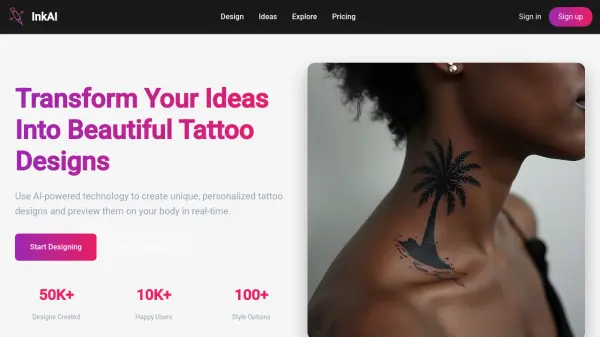
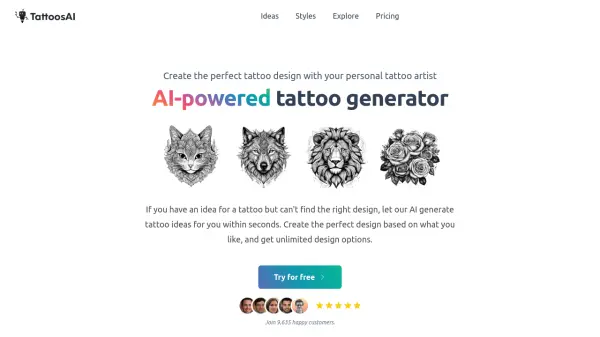
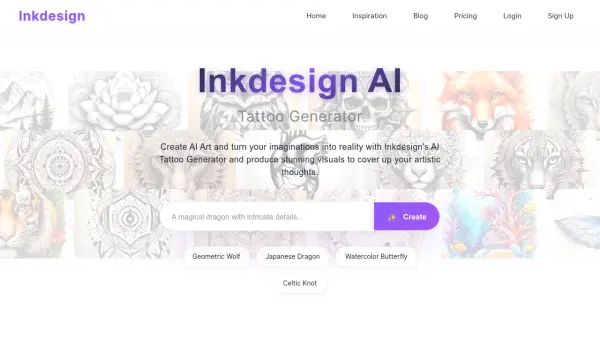
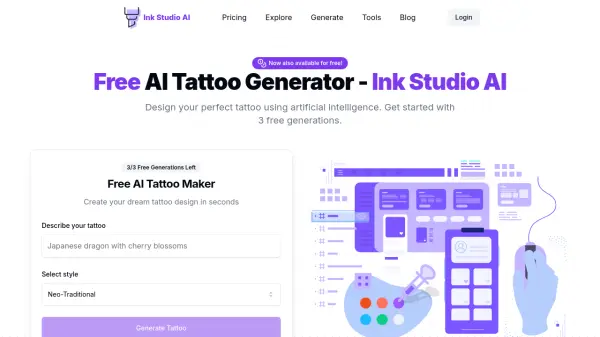
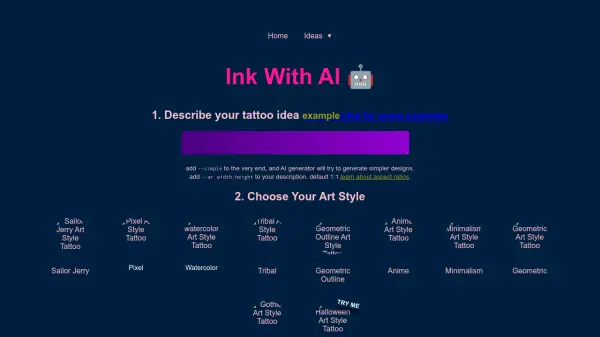
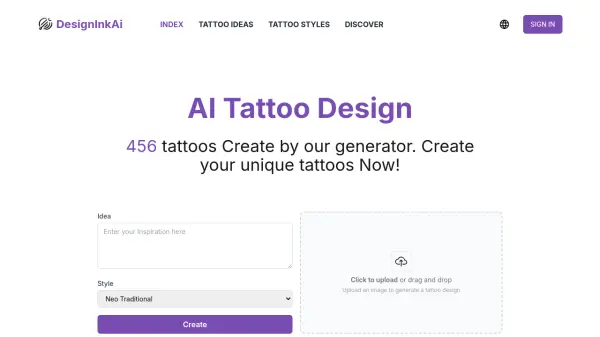
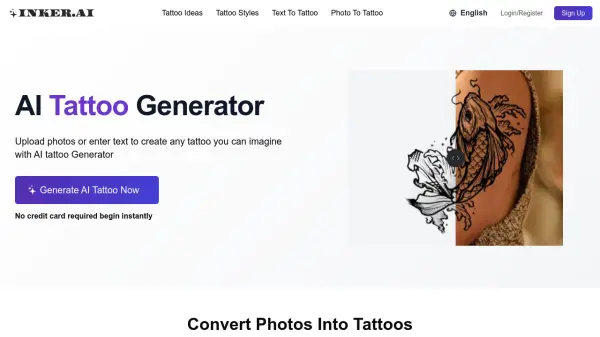
inker.ai utilizes artificial intelligence to empower users in visualizing and creating unique tattoo designs. This platform functions as an AI tattoo generator, transforming both textual ideas and uploaded photographs into distinct tattoo artwork. Designed for ease of use, it caters to individuals regardless of their drawing skills, offering a straightforward way to explore tattoo concepts.
The process involves users either inputting text descriptions of their desired tattoo or uploading an image they wish to adapt. The AI then processes this input to generate tattoo designs. These creations can be downloaded in high-quality formats like PDF and PNG, suitable for creating temporary tattoos or serving as a clear reference for professional tattoo artists. Members with privacy mode activated can ensure their generated content remains private.
Features
- Text To Tattoo: Convert text descriptions or ideas into tattoo designs.
- Photo To Tattoo: Transform uploaded photos into tattoo art.
- Style Variety: Access popular tattoo styles for design generation.
- High-Quality Downloads: Supports PDF and PNG download formats.
- Watermark Removal: Option available in paid plans.
- Privacy Mode: Members can keep generated content private.
- Upscale (Photo to Tattoo): Feature available in paid plans to enhance photo-based designs.
Use Cases
- Visualizing tattoo ideas before getting inked.
- Creating custom tattoo designs from personal photos or memories.
- Generating inspiration for tattoo artists.
- Designing temporary tattoos.
- Exploring different tattoo styles for a concept.
- Creating memorial tattoo designs.
FAQs
-
Can I use inker.ai AI tattoo generator on PC and mobile?
Yes, you can view our free tattoos and AI tattoo generator on both mobile devices and PC web browsers. -
Can the AI-converted tattoos be printed directly? Or do they need other processing?
Yes, all tattoo designs created with our AI tattoo generator can be used immediately. You can download the designs in high-quality formats and either create temporary tattoos with them or take them to your tattoo artist who can use them as a reference to create your permanent ink. -
Is the AI Tattoo Generator safe?
Our AI Tattoo Generator is designed with your safety in mind. We prioritize your privacy by utilizing encrypted storage. If you’re a member and have activated privacy mode for your submitted content, anything you create with our AI coloring generator will remain private and visible only to you. -
Is the AI Tattoo Generator suitable for people with no drawing skills?
Yes, our AI Tattoo Generator is perfect for people with no drawing skills. It’s user-friendly and simple—just input your ideas or upload an image, and the AI will automatically create unique tattoo designs.