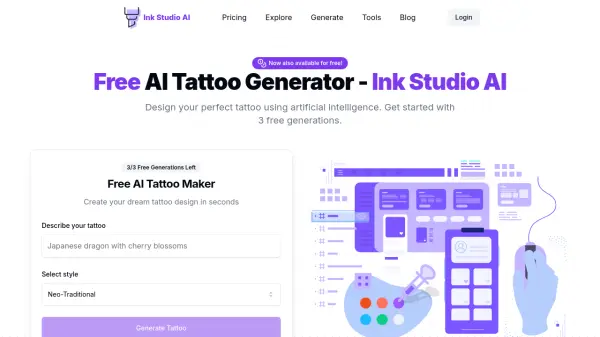
What is Ink Studio AI?
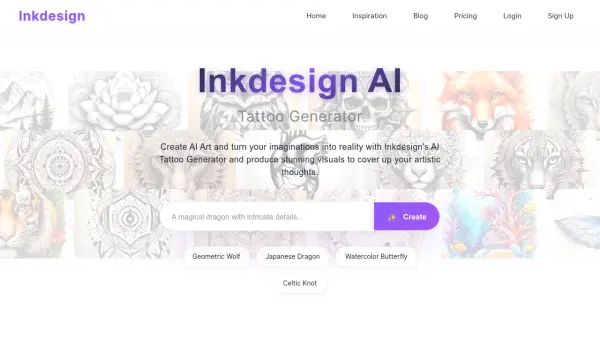
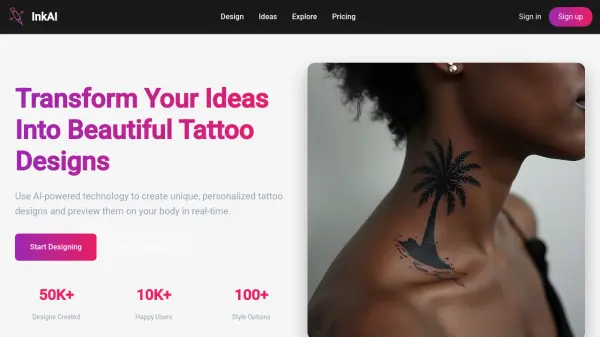
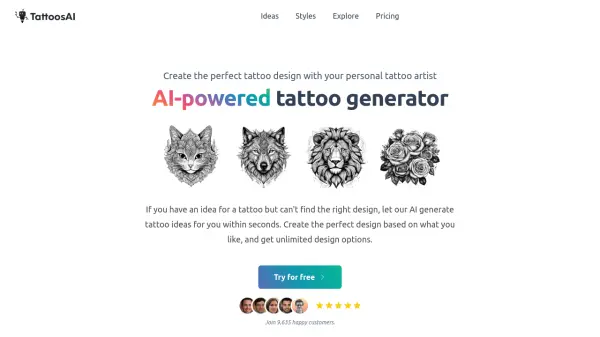
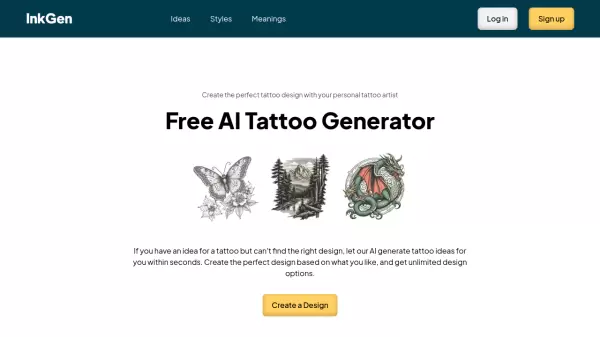
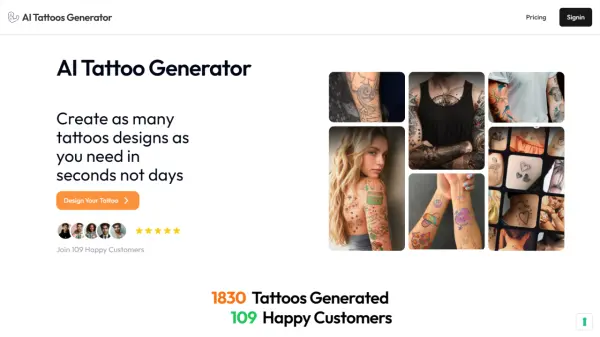
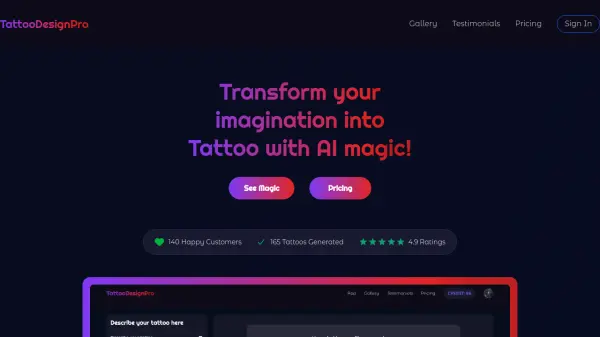
Ink Studio AI provides an industry-leading AI Tattoo Generator, transforming concepts into custom designs within minutes. This platform offers a cost-effective way to access unlimited tattoo designs, at a fraction of traditional design costs.
It combines artistic creativity with cutting-edge artificial intelligence, ensuring each tattoo idea is brought to life with precision and style. Users can experiment with various tattoo styles, from traditional to modern, finding the perfect match for their vision.
Features
- Instant Design Creation: Transform your ideas into custom tattoo designs in minutes.
- Cost-Effective Design: Access unlimited AI tattoo designs at a fraction of traditional costs.
- Complete Customization: Fine-tune your tattoo design and explore multiple styles.
- AI Prompt Optimizer: Transform basic ideas into detailed, optimized prompts.
- Image to Tattoo: Convert your favorite images into tattoo designs.
- Multiple Styles: Explore a wide range of tattoo styles, from traditional to modern.
Use Cases
- Designing a personalized tattoo
- Experimenting with different tattoo styles before committing
- Converting an image into a tattoo design
- Creating multiple tattoo design variations
- Refining tattoo ideas with an AI prompt optimizer
FAQs
-
What payment methods do you accept?
We accept all major credit cards and debit cards through our secure payment processor, Stripe. All transactions are encrypted and secure. -
Is this a subscription or a one-time payment?
All our plans are one-time payments. You won't be automatically charged or renewed - you only pay for the access period you choose (7, 14, or 30 days). -
Can I generate colored tattoo designs?
Yes, Ink Studio AI allows you to generate both colored and grayscale tattoo designs. You can choose the option to generate a colored or black and gray design before generating your tattoo. -
What is a negative prompt, and how does it work?
A negative prompt is a set of instructions that tell the AI what you don't want to see in your design. It can be helpful for eliminating unwanted elements or ensuring that your design adheres to specific guidelines or preferences. Ink Studio AI allows you to enter a negative prompt during the customization process. -
Can I save and revisit my previously generated designs?
Yes, Ink Studio AI keeps a record of your previously generated designs, allowing you to easily revisit and compare them. This feature is invaluable when you want to explore different variations or combine elements from multiple designs.