What is InboxPirates?
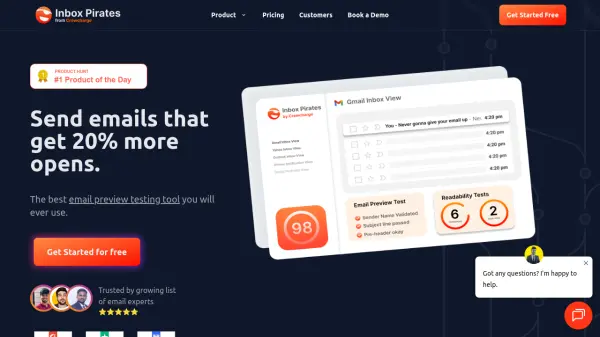
InboxPirates is an email preview testing tool that helps you optimize your emails for better open rates. With over 75% of users deciding to read emails based on notification bars, InboxPirates lets you preview how your email looks on various devices and email clients before sending. It offers real inbox previews, notification bar testing, spam word checking, and deliverability testing.
The tool integrates seamlessly with popular email service providers via a Chrome extension, allowing you to test emails in one click. It is trusted by over 250 teams and supports manual HTML entry for non-integrated providers.
Features
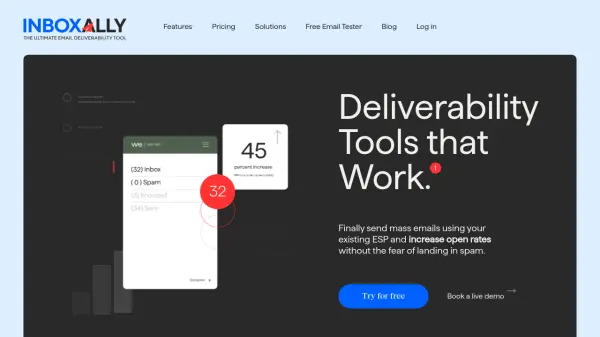
- Real Inbox Preview: Preview how your email looks stacked against 100 other emails in a full inbox.
- Notification Bar Testing: Test how your email appears in notification bars before it's opened.
- One-Click Multi-Device Preview: Preview your email on 10+ devices with one click, no manual sending required.
- Spam Word Testing: Check your email against an updated list of spam words to avoid spam folders.
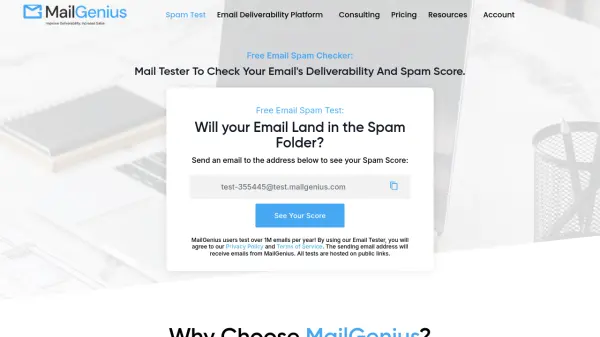
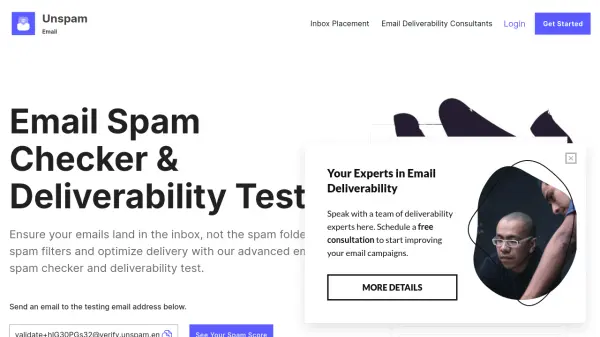
- Deliverability Testing: Identify and fix issues that hurt email deliverability.
- Chrome Extension Integration: Seamlessly integrates with your email service provider via a Chrome extension.
- Manual HTML Entry: Enter HTML, subject line, and other details manually if no integration is available.
Use Cases
- Email marketers previewing campaigns before sending to ensure optimal display.
- Sales teams testing outreach emails for better open rates.
- Agencies previewing client email designs across devices.
- Developers testing HTML email rendering on various email clients.
- Email automation specialists checking notification bar appearance.
FAQs
-
What is an email preview test?
An email preview test is a visual representation of how your email would look on different screen sizes and devices. It gives you a great idea on optimizing your email based on how it looks on various devices and email clients. -
Can I use Inbox Pirates for client projects?
Yes, you can use Inbox Pirates for client projects. However, it is recommended to go with at least the starter plan for better support, since the starter plan is aimed at individuals. -
What if I don't see an integration with my email service provider?
We try to add new email clients every month. Please chat with us or send us an email at [email protected]. You can still use the tool without the Chrome extension by manually entering your HTML, subject line, and other information. -
How do I fix the preview button not appearing on my email service provider?
Refresh your page twice using Control + F5 to clear the cache. If that doesn't work, try right-clicking your browser and clicking on 'Inspect'. If neither works, uninstall and reinstall the extension, or contact support at [email protected].