What is Import2?
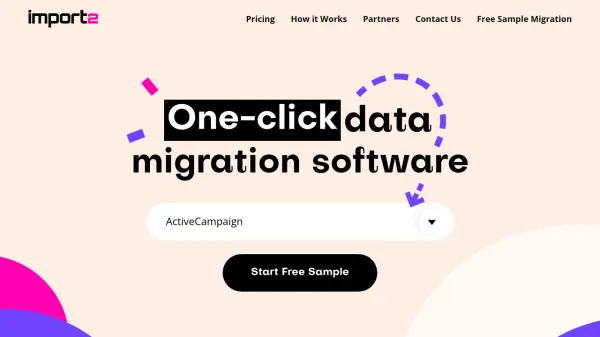
Import2 provides a fully automated data migration solution designed to simplify the process of transferring information between various business applications. The platform supports over 50 CRM and helpdesk systems including Salesforce, HubSpot, Zendesk, and ActiveCampaign, eliminating the need for manual CSV file handling or technical expertise. Users can initiate a free sample migration to see their own data transferred to a new application in under 15 minutes, with the ability to customize field mappings and track progress in real-time.
The service maintains SOC2 Type II certification to ensure data security throughout the migration process, with a money-back guarantee that refunds fees if users are dissatisfied with results. Import2 offers different pricing tiers based on database size, ranging from basic packages for smaller datasets to enterprise solutions for extensive migrations, all featuring expert support across time zones and the option to reverse sample migrations if needed.
Features
- One-Click Migration: Automated data transfer between applications without manual CSV handling
- Free Sample Migration: Test migration with actual data visible in new app within 15 minutes
- Custom Field Mappings: Ability to map user-created fields between different applications
- Real-Time Support: Expert assistance available across all time zones
- SOC2 Type II Certified: Maintains data security and integrity throughout migration process
- Money-Back Guarantee: Full refund if dissatisfied with migration results
Use Cases
- Migrating CRM data between different platforms like Salesforce to HubSpot
- Transferring helpdesk ticket history from one system to another
- Consolidating customer data from multiple sources into a unified CRM
- Testing new business applications with existing data before full migration
- Backing up CRM data to secure cloud storage
- Moving business data during software upgrades or platform changes
FAQs
-
What happens to my source database during migration?
The source database is never altered during migration - Import2 only copies data into your new application without modifying the original source. -
How can I determine my database record counts?
Your database record counts are automatically calculated when you run the free sample migration, and you can check these counts on your migration page. -
Can I reverse a sample migration?
Yes, sample migrations can be reversed for any reason if you're not satisfied with the results.