What is IMGCentury?
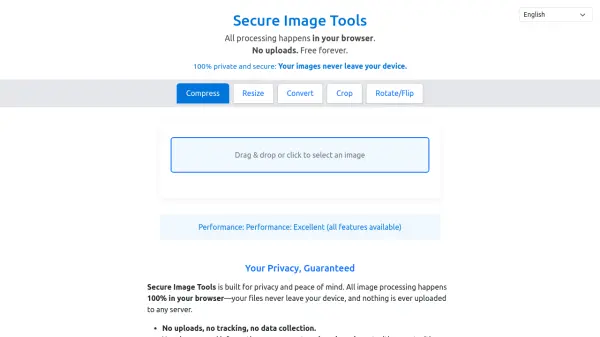
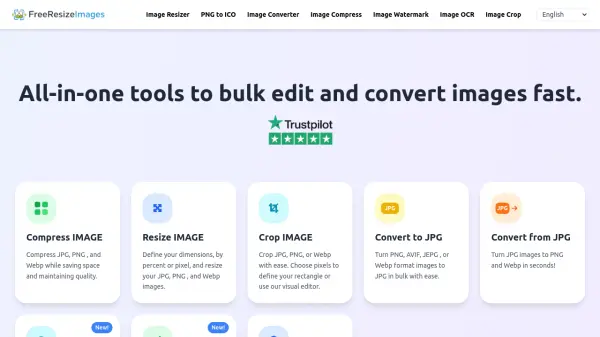
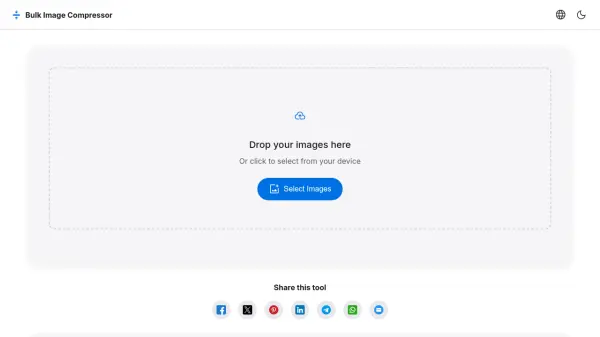
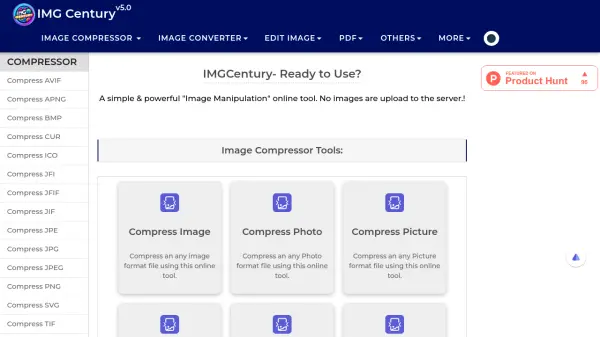
IMGCentury provides a versatile suite of online image manipulation tools that operate entirely in the browser without uploading files to servers. The platform enables users to compress various image formats including JPG, PNG, WEBP, and AVIF while maintaining quality. It also offers conversion capabilities between multiple image formats, basic editing functions like cropping, rotating, and adjusting color channels, and PDF manipulation tools for tasks such as merging, splitting, and compressing documents.
The tool emphasizes user privacy and security by processing all operations locally on the user's device. With an intuitive interface designed for accessibility, IMGCentury supports batch processing of multiple files simultaneously and delivers fast performance for image transformations. The platform caters to diverse image manipulation needs through its comprehensive feature set while ensuring data remains secure through client-side processing.
Features
- Unlimited Usage: No restrictions on compression, conversion, or editing operations
- Client-Side Processing: All operations performed locally without uploading to servers
- Batch Processing: Handle multiple images simultaneously for efficiency
- Format Support: Compress and convert between 15+ image formats including JPG, PNG, WEBP, AVIF
- PDF Integration: Comprehensive PDF tools including compression, merging, splitting, and conversion
Use Cases
- Reducing image file sizes for web optimization
- Converting images between different formats for compatibility
- Basic photo editing and adjustments
- Preparing images for documents and presentations
- Managing and manipulating PDF files