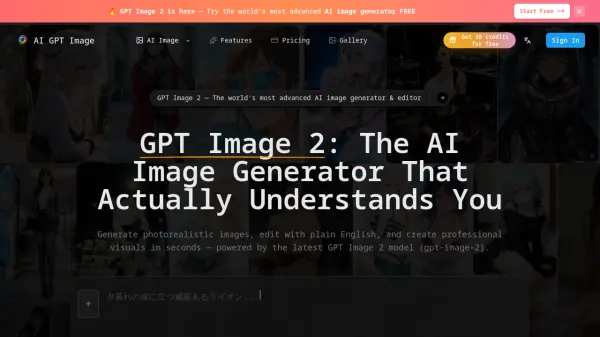
What is ImageGPT.io?
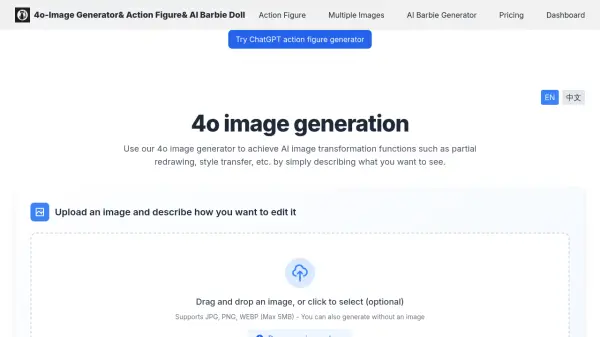
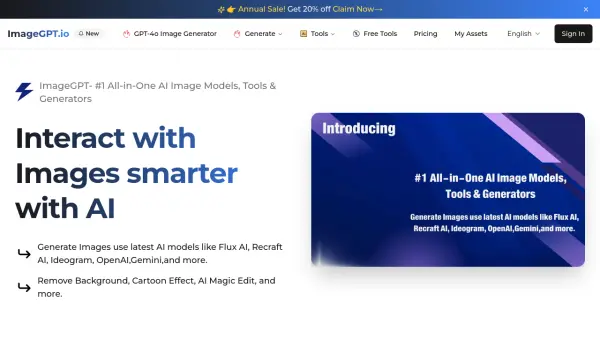
ImageGPT.io serves as a comprehensive platform harnessing the power of artificial intelligence for advanced image manipulation. It integrates leading AI models, including GPT-4o, Flux AI, Recraft AI, Ideogram, OpenAI, and Gemini, providing users with a centralized hub for generating, enhancing, and editing images through AI.
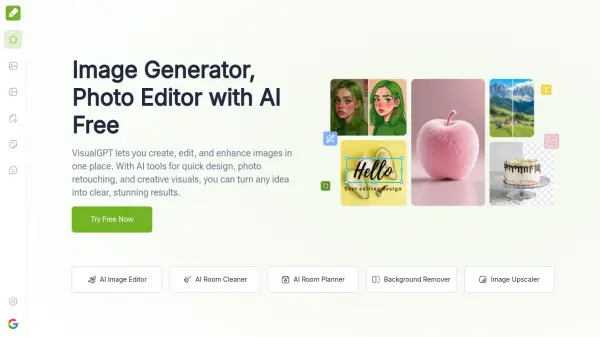
The platform offers a diverse suite of tools catering to various image-related tasks. Users can create images directly from text descriptions (text-to-image), modify existing images using AI (image-to-image), edit specific sections within an image (AI Inpainting), or expand images beyond their original borders (AI Outpainting). Additional functionalities include tools for improving image quality (AI Image Enhancer), instantly removing backgrounds or specific objects (Background Remover, Object Remover), and performing AI-driven face swaps.
Features
- GPT-4o Integration: Utilizes GPT-4o for various image generation and editing tasks.
- Multiple AI Model Support: Generates images using diverse models like Flux AI, Recraft AI, Ideogram, OpenAI, and Gemini.
- Text-to-Image Generation: Creates images based on textual descriptions.
- Image Editing Suite: Offers AI Inpainting, Outpainting, Object Remover, and Background Remover.
- Image Enhancement Tools: Includes AI Image Enhancer, Upscaler, Denoise AI, and Sharpener.
- AI Face Swap: Swaps faces within images using AI technology.
- Specialized Generators: Provides tools for creating vectors, icons, posters, avatars, and product photos.
- AI Magic Tools: Includes AI Background Changer, Watermark Remover, Uncrop, Logo Mockup, and Virtual Try-On.
Use Cases
- Creating unique images from text prompts using various AI models.
- Editing photos by removing backgrounds or unwanted objects.
- Enhancing image quality, resolution, and sharpness.
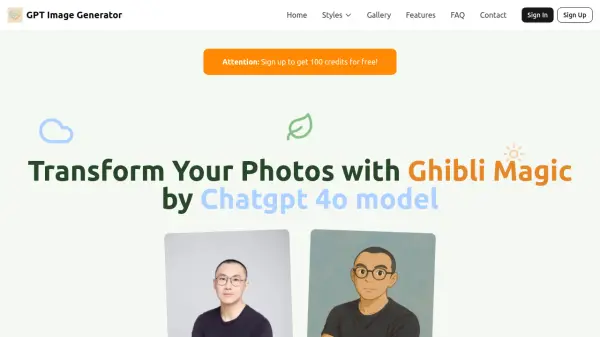
- Generating specific styles like Ghibli or action figures using GPT-4o.
- Creating marketing materials like posters, icons, and product photos.
- Swapping faces in images for creative purposes.
- Generating avatars or virtual representations.
- Extending image canvases using AI outpainting.
- Restoring old photos using AI.