What is Image2Video AI?
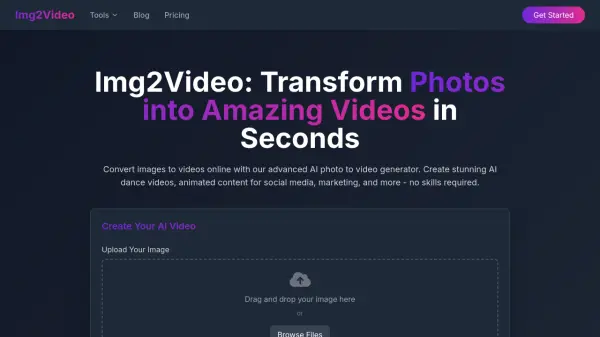
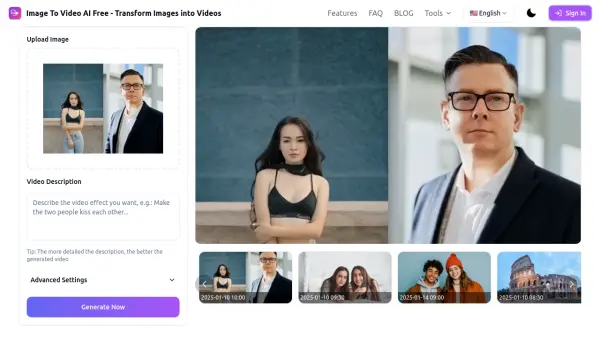
Image2Video AI is an online platform designed to convert static images into dynamic, short-form videos. This tool leverages artificial intelligence to add motion and effects to uploaded pictures, creating engaging video content.
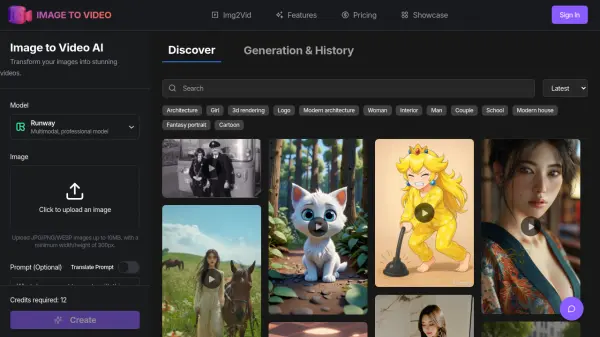
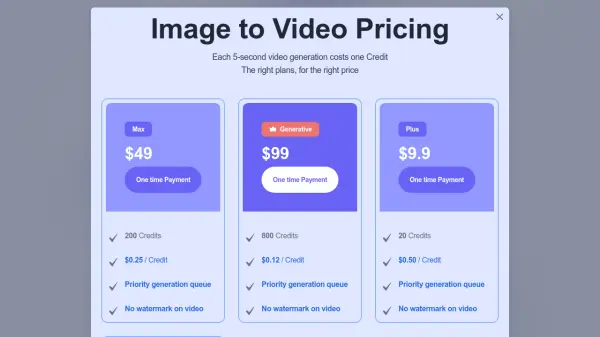
The service supports common image formats like JPEG, PNG, and JPG and outputs videos in MP4 format. It's accessible on any device with a web browser, requiring no software downloads. Subscribed users benefit from a priority generation queue and higher quality videos. Image2Video features different animation styles, including AI-generated effects for actions like dancing, kissing, and hugging, as well as options for animating old photos.
Features
- Creating a video from images: Effortlessly make video from images with animated text and eye-catching transitions.
- Photo to video: Make a photo animated.
- Picture to video AI: Turn your photo to video using AI.
- One-Click Video Creation: Turn your photo collections and sequential images into engaging video content online.
- Free Conversion: Converting photos to video is simple, fast and free.
- AI photo to video: Is the easiest way to make video from images.
- Image to video converter online: Modern image to video AI has transformed content creation.
Use Cases
- Creating social media content
- Generating short animated clips from photos
- Producing marketing videos
- Animating old photographs
- Creating engaging visual content for presentations
- Making dynamic content
- Bring your concept to life with full automation
FAQs
-
What file formats are Image to video AI supported?
Image to video AI supports common image formats like JPEG, PNG, and JPG. Video output format typically is MP4. -
Can I add music to my Image to video AI?
Yes, but now we photo video maker haven't add the function of background music from audio files yet. -
How long can my Image to video AI be?
Our Image to video AI currently supports five-second generation. -
Is my data safe and is it free to use in Image to Video AI?
Using Image to Video AI is completely secure with our robust security policy! Image to Video AI offers both free and premium pricing plans for your selection. The best part about Image to Video AI is that no downloads are required. Image to Video AI is entirely web-based, and Image to Video AI functions smoothly across all major browsers like Safari and Chrome. -
Can I use Image to video AI on my smartphone?
Yes, Image to video AI is available as mobile apps for both iOS and Android devices. These image to video AI platforms eliminate expensive production costs while image to video AI templates guide you through the process. The smart Image to video AI features let you customize effects effortlessly.