What is iCaptur?
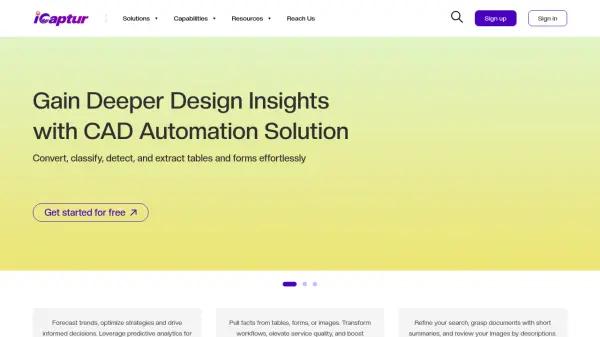
iCaptur leverages artificial intelligence to transform document processing across multiple industries. The platform specializes in extracting structured data from complex documents such as CAD drawings, invoices, bills of lading, and resumes. By automating tasks like table detection, optical character recognition, and document summarization, iCaptur helps organizations streamline workflows, reduce manual errors, and gain actionable insights from their documents.
The platform offers tailored solutions for CAD automation, logistics efficiency, and large language model customization. Users can convert document formats, classify pages, enhance document quality, and extract key-value pairs with precision. iCaptur's AI capabilities enable businesses to process large volumes of documents quickly, improving operational efficiency and decision-making through accurate data extraction and analysis.
Features
- Full-Scale Extraction: Detect, recognize, and classify tables and forms from CAD designs
- Table Detection and Extraction: Spot tables on drawings and extract as LaTeX or HTML formats
- Document Converter: Convert any document format to preferred types for organized management
- Key-Value Pair Extractor: Extract structured data from invoices with improved accuracy
- Document Summarizer: Summarize documents to minimize grasp time and improve comprehension
- OCR on CAD Drawing: Recognize handwritten or printed text to create searchable PDFs
- Invoice OCR Extractor: Extract, analyze, and act on printed or handwritten invoice information
- Document Quality Enhancer: Enhance quality, rectify errors, and optimize documents
Use Cases
- Extracting tables and forms from CAD designs for engineering documentation
- Processing invoices and bills of lading for logistics and supply chain management
- Parsing resumes to accelerate hiring decisions in human resources
- Summarizing lengthy documents for quick comprehension and review
- Converting document formats for better organization and accessibility
- Enhancing document quality by rectifying errors and optimizing content
- Extracting telecom bill data for expense tracking and cost management
- Classifying document pages by data types for accurate information location
FAQs
-
What types of tables are typically found in CAD diagrams?
CAD diagrams commonly contain Part Lists, Assembly drawings, Schematics, and Bill of Materials (BOM) tables. -
How can a Bill of Materials (BOM) be identified in CAD tables?
A BOM can be identified by looking for a table containing part numbers, descriptions, and quantities. -
What key fields are extracted from invoices?
Key fields extracted from invoices include Date, Number, Supplier, Items, Quantity, and Price. -
What differentiates an invoice from a statement?
A statement typically lacks quantity and price information, focusing instead on total amounts, while invoices include detailed item and pricing data.