
What is iBoysoft?
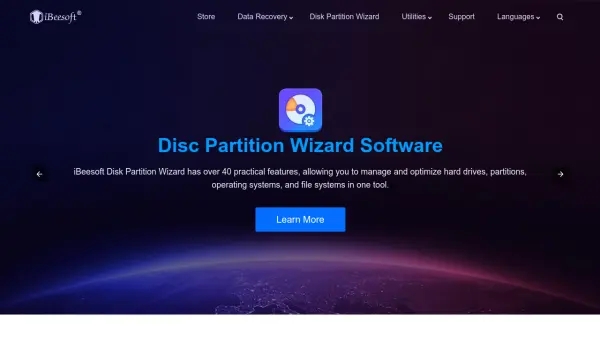
iBoysoft provides a comprehensive suite of software solutions tailored for Mac users, focusing on data recovery, disk management, and system enhancement. Their tools include iBoysoft Data Recovery for recovering deleted or lost files from various storage devices, iBoysoft NTFS for Mac for seamless read-write access to NTFS drives, and utilities like iBoysoft DiskGeeker and iBoysoft MagicMenu for disk management and right-click menu improvements.
The software is compatible with both Intel-based and Apple Silicon Macs, including the latest macOS versions, and offers features such as deep scanning for thorough data recovery, automatic NTFS drive mounting, and secure downloads for macOS installers. iBoysoft emphasizes user-friendly interfaces, affordability, and reliable technical support, making their tools accessible to users of all experience levels.
Features
- Data Recovery: Recover deleted or lost files from inaccessible, corrupted, or unmountable drives with deep scanning and preview options
- NTFS Drive Management: Automatically mount NTFS drives in read-write mode on Mac for seamless file transfer and editing
- Disk Utilities: Clone disks, download macOS DMG files, create bootable installers, and analyze disk space for optimization
- Productivity Enhancements: Enhance Mac right-click menu with features for file creation, deletion, app uninstallation, and screen capture
- Compatibility: Fully compatible with Intel-based and Apple Silicon Macs, including latest macOS versions
Use Cases
- Recovering accidentally deleted files from a Mac hard drive
- Transferring files between Windows NTFS drives and Mac computers
- Managing disk space and cleaning junk files to optimize Mac performance
- Creating macOS bootable USB installers for system installation or recovery
- Enhancing Mac workflow with customized right-click menu options
FAQs
-
What types of files can iBoysoft Data Recovery recover?
It can recover over 1000 types of files from all storage devices, including documents, photos, videos, and more from exFAT, FAT32, HFS+, and APFS drives. -
Does iBoysoft NTFS for Mac require enabling kernel extensions?
No, it allows writing to NTFS drives on Mac without enabling kernel extensions, providing a seamless experience. -
Can iBoysoft tools be used on both Intel and Apple Silicon Macs?
Yes, all iBoysoft products are fully compatible with both Intel-based and Apple Silicon (M1, M2, M3, M4, M5) Macs. -
Is there a free trial available for iBoysoft products?
Yes, free downloads are available for products like iBoysoft Data Recovery and iBoysoft NTFS for Mac, with trial versions offering limited functionality. -
How do I get technical support for iBoysoft products?
Free technical support is available via email at [email protected] for any issues encountered while using the products.