What is Huula?
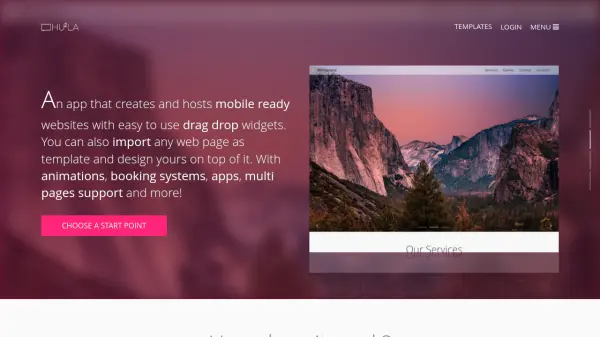
Huula provides a platform for creating and hosting mobile-responsive websites through an intuitive drag-and-drop interface. Users can start with templates or import any existing webpage to use as a foundation, allowing for redesign and customization without needing coding knowledge. The tool supports multi-page websites, animations, booking systems, and apps integration.
It offers a rich repository of smart widgets, including powerful grid layouts for complex designs like collages and galleries, and carousels for showcasing content. Once designed, websites can be published using a Huula subdomain or connected to a custom domain name for professional branding.
It offers a rich repository of smart widgets, including powerful grid layouts for complex designs like collages and galleries, and carousels for showcasing content. Once designed, websites can be published using a Huula subdomain or connected to a custom domain name for professional branding.
Features
- Drag and Drop Editor: Edit websites visually without coding.
- Web Page Import: Clip any website by URL to use as a template.
- Mobile-Ready Websites: Creates websites optimized for mobile devices.
- Rich Widget Library: Access over 30 widgets, including Grid Layout and Carousel.
- Custom Domain Publishing: Connect your own domain name or use a Huula subdomain.
- Multi-Page Support: Build websites with multiple pages.
- Hosting Included: Hosts the created websites.
Use Cases
- Building personal websites or portfolios.
- Creating websites for small businesses.
- Quickly prototyping website designs.
- Redesigning existing websites without coding.
- Creating landing pages for products or services.