What is Humanize AI Text (HAT)?
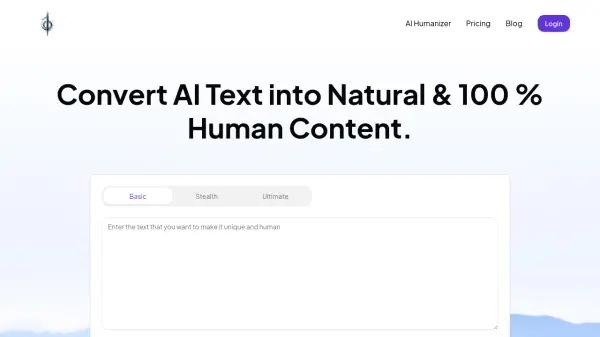
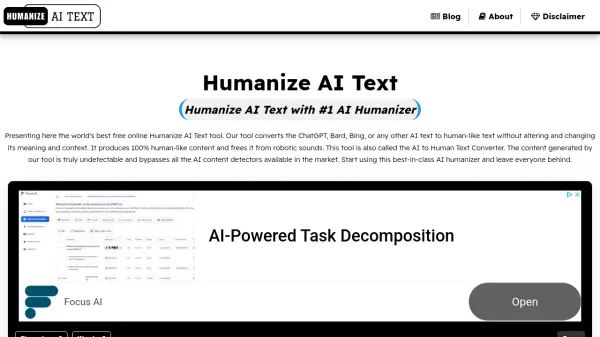
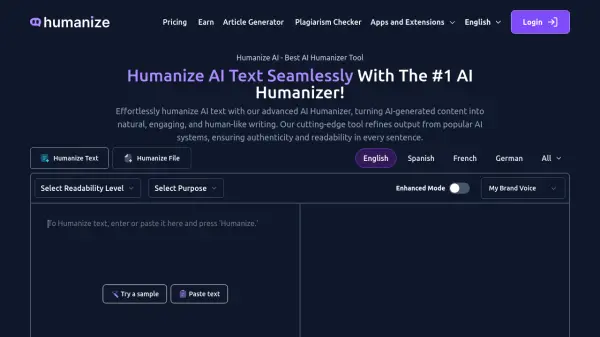
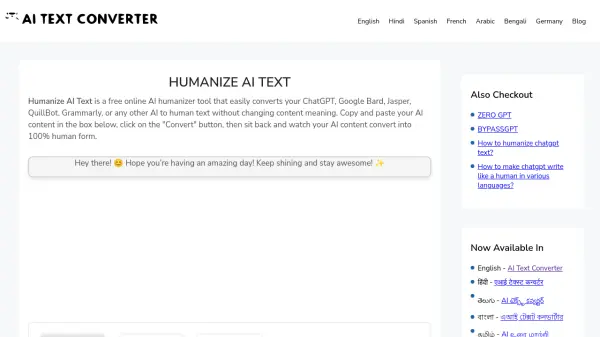
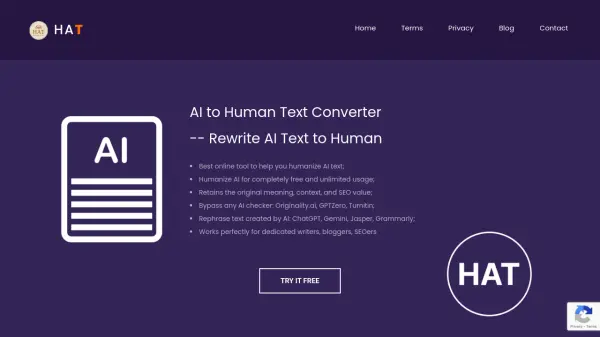
The Humanize AI Text (HAT) tool is a free online service designed to transform AI-generated text from sources like ChatGPT, Gemini, Bing, Jasper, and Grammarly into human-quality writing. This conversion process preserves the original meaning and context of the text while ensuring it is SEO-compliant.
The tool uses advanced algorithms to rewrite AI content, making it indistinguishable from text written by a human. This helps users bypass AI detection systems, ensuring content appears authentic and achieves better search engine rankings.
Features
- Free Solution: Rewrite AI-generated texts to human-written texts at no cost.
- Unlimited Usage: Convert AI texts without any limitations.
- Practical and Accessible: Provides a solution for transforming AI-written text into relatable, human-quality content.
- Easy to use: Turn AI content into clear, engaging, and understandable text with a user-friendly interface.
- Fast and Reliable Conversion: Guarantees quick text conversion.
- Safety Assurance: 100% secure environment for users.
Use Cases
- Rewriting AI-generated content for blogs and articles.
- Improving the SEO ranking of AI-created text.
- Bypassing AI detection tools.
- Creating human-like content for websites.
- Transforming AI-written drafts into polished, publishable pieces.