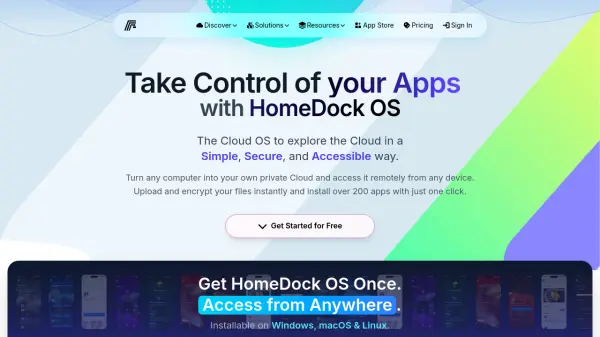
What is HomeDock OS?
HomeDock OS is a next-generation cloud operating system designed to simplify self-hosting and cloud management. It allows users to transform any computer—whether Windows, macOS, or Linux—into a private cloud server accessible from any device. With over 200 applications available in its App Store, users can install services like Plex, WordPress, and Ollama GPT with a single click.
HomeDock OS prioritizes security and privacy with features such as encrypted storage, native HTTPS support, and comprehensive access logs. It offers unified management of cloud apps, automatic backups, and seamless remote access, making it suitable for tech enthusiasts, freelancers, and startups. Pricing includes a free tier for personal use and affordable cloud instances for advanced needs.
Features
- One-Click App Installation: Install over 200 applications from the App Store with a single click.
- Universal Accessibility: Access your cloud from any device, anytime, anywhere.
- Advanced Security: Encrypted cloud storage, native HTTPS support, and access control logs.
- Local AI Integration: Run Ollama GPT locally for private AI without API keys or subscriptions.
- Unified Management: Efficiently manage all cloud apps and services from a single dashboard.
Use Cases
- Host your own private media streaming platform with Plex.
- Deploy a personal WordPress website or blog with full control.
- Run a private Minecraft server for friends with mod support.
- Store and share files securely with ownCloud.
- Automate smart home devices using Home Assistant.
- Develop code remotely with Code-Server (VS Code in browser).
FAQs
-
What is HomeDock OS?
HomeDock OS is a cloud operating system that turns any computer into a private cloud server, allowing you to install and manage over 200 apps with one click and access them remotely. -
Can I run AI models locally with HomeDock OS?
Yes, HomeDock OS supports running Ollama GPT locally, enabling private AI without API keys or subscriptions. -
Is HomeDock OS free?
HomeDock OS offers a free download for personal use forever, with paid cloud instances starting at €9.95 per month for advanced features. -
Which devices can I install HomeDock OS on?
HomeDock OS can be installed on Windows, macOS, and Linux computers, and accessed from any device including iPhone, Android, tablet, TV, and browser. -
How secure is HomeDock OS?
HomeDock OS provides enterprise-grade security with encrypted cloud storage, native HTTPS support, access control logs, and secure backups.