
What is HitPaw Edimakor?
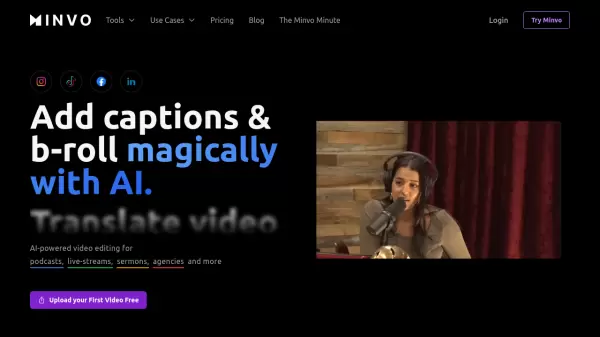
HitPaw Edimakor is a comprehensive AI-powered video editing software designed for users of all skill levels. It offers a user-friendly interface combined with powerful AI features to streamline the video creation process. The software enables users to record screens, translate videos, generate subtitles, create talking avatars, and transform images into videos.
Edimakor provides a vast library of commercial stock assets, including media, titles, transitions, music tracks, and stickers. It supports various video editing functionalities, such as cutting, merging, rotating, cropping, and adding or removing elements like subtitles, text, images, audio, and backgrounds. It supports a wide range of file formats.
Features
- AI Image to Video: Transform static images into dynamic videos.
- AI Talking Avatar: Create realistic talking avatars with advanced video lip-sync.
- AI Clip Maker: Extracts engaging moments from videos to create viral shorts.
- AI Script/Video Generator: Generates scripts and auto-picks video assets.
- AI Subtitle/Speech to Text: Transcribes audio and generates subtitles with translation in 120+ languages.
- AI Video Translator: Translates video and audio with realistic AI voices and bilingual subtitles.
- AI Text to Speech: Converts text to natural-sounding AI voices in 50+ languages.
- AI Background Remover: Removes and replaces backgrounds in videos and images.
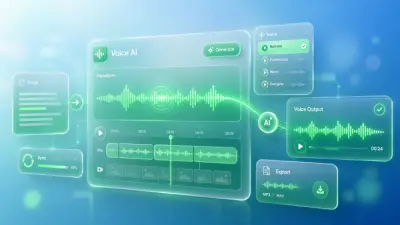
- AI Voice Clone: Clone Voices with AI.
- Millions of Commercial Stock Assets: Access to 100M+ stock media, titles, transitions, music, and stickers.
Use Cases
- Creating marketing and promotional videos
- Developing social media content (YouTube, Instagram, TikTok)
- Producing wedding and music videos
- Making training and news videos
- Video localization
- Audio localization
- Subtitle localization