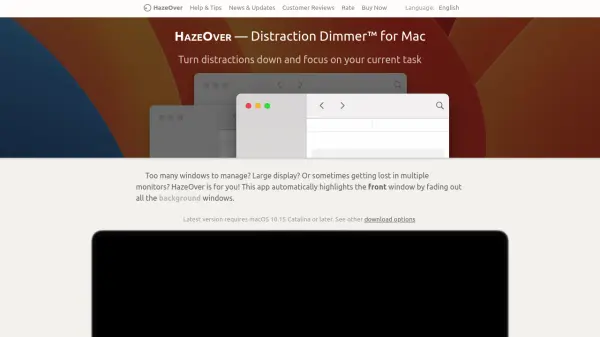

What is HazeOver?
HazeOver is a specialized macOS application designed to maximize user focus by automatically dimming background windows, making the currently active window stand out. Ideal for individuals working with multiple windows or large displays, this tool minimizes distractions without the need to manually hide or close other applications. HazeOver's smooth fading effect visually clarifies which window has keyboard focus, improving workflow and reducing errors.
The app offers customizable haze intensity, animation speed, and supports macOS features such as Dark Mode, Focus Filters, and Shortcuts integration for automation. With options for keyboard shortcuts, dynamic dimming settings for different macOS appearances, and multi-monitor support, HazeOver ensures a comfortable and distraction-free workspace to boost productivity and eye comfort.
Features
- Automatic Window Highlighting: Dims background windows to focus attention on the active window.
- Customizable Intensity: Adjust the haze intensity and animation speed to suit personal preferences.
- Multi-Monitor Support: Highlights active windows on each monitor or shows which screen is in focus.
- Dark and Light Mode Integration: Separate dimming settings for macOS Dark and Light appearances.
- Keyboard Shortcuts and Gestures: Quickly toggle dimming or adjust intensity with shortcuts and gestures.
- Shortcuts and Automation Support: Compatible with macOS Shortcuts, AppleScript, and Focus Filters.
- Desktop Reveal: Automatically uncovers the desktop when necessary for seamless workflow.
Use Cases
- Improving concentration when working with multiple windows.
- Enhancing productivity on large displays or multiple monitors.
- Reducing eye strain by lowering background brightness during night work.
- Visual clarity during screen captures and recordings.
- Maintaining focus in heavy multitasking environments.
- Automating window dimming as part of a custom macOS Focus mode.