What is Happiepages?
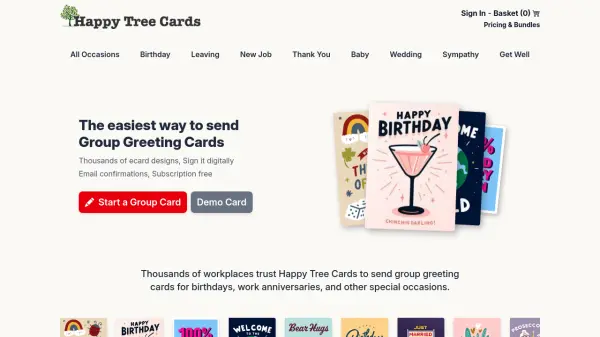
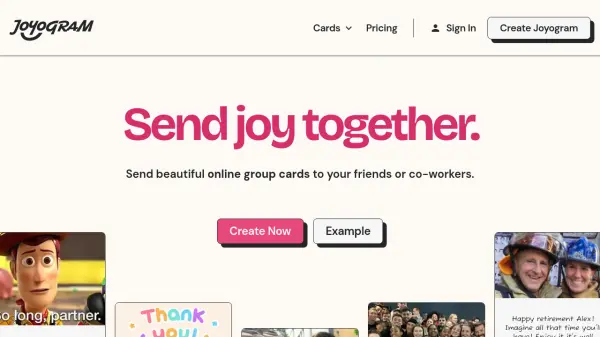
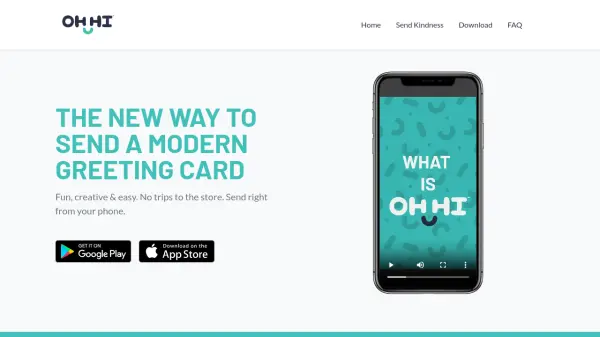
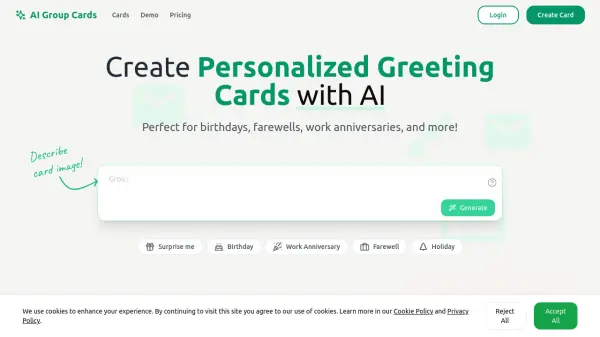
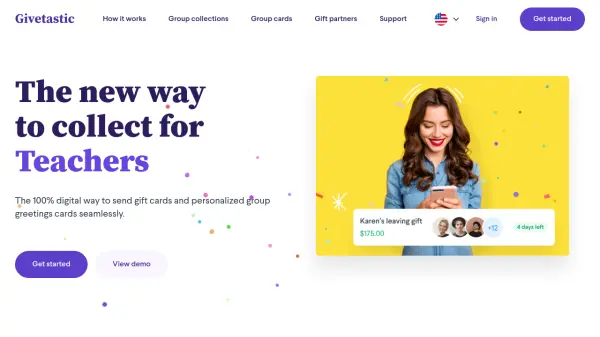
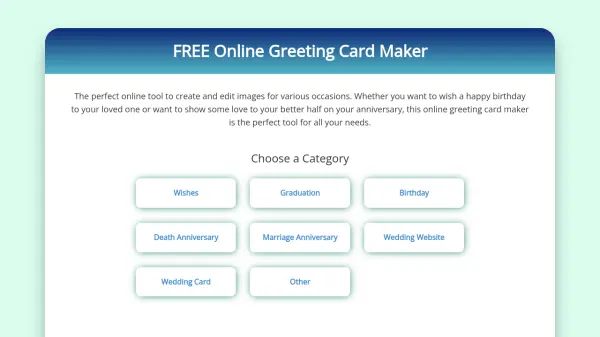
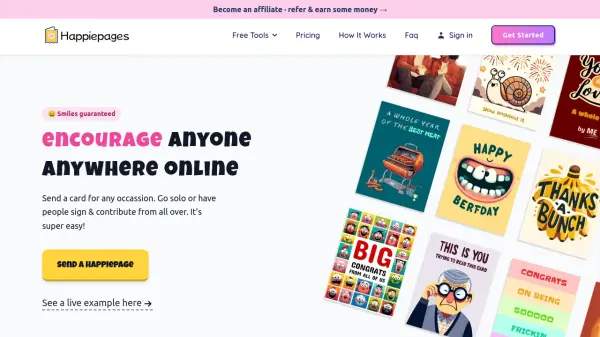
Happiepages provides a digital greeting card platform designed to make celebrating loved ones easy and fun from anywhere in the world. Users can select from a wide range of cards, fill in necessary information, and schedule delivery via email or text. The service supports group card signing through shareable links, allowing multiple people to contribute messages without physical rounds or registration requirements.
Features include advanced scheduling, support for up to 30 signatures per card, and options to add photos, GIFs, stickers, music from Spotify, and interactive pop-ups. The platform emphasizes convenience, speed, and eco-friendliness by eliminating paper use, with a portion of revenue donated monthly to Tree Aid for environmental and social impact.
Features
- Advanced Scheduling: Set specific dates and times for card delivery
- Group Signing: Share links for up to 30 people to sign cards collaboratively
- Multimedia Additions: Include photos, GIFs, stickers, and music from Spotify
- No Account Required: Create and send cards without registration
- Eco-friendly: Digital cards reduce paper waste with environmental impact donations
Use Cases
- Sending birthday greetings to friends and family
- Creating thank-you cards for colleagues or clients
- Celebrating anniversaries with personalized messages
- Organizing group cards for classrooms or company teams
- Sending holiday wishes like Easter or special occasions