What is Haiper?
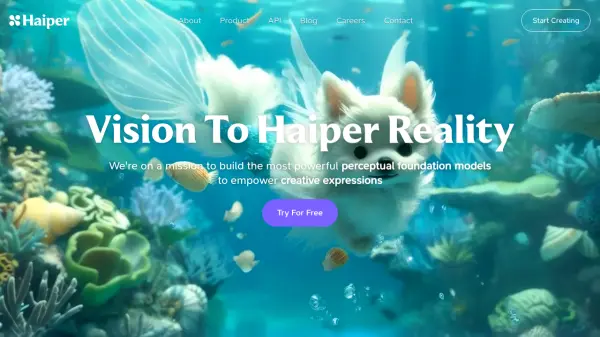
Haiper is an AI research and product company focused on developing advanced perceptual foundation models. Its mission is to empower creative expression by providing tools that make video creation effortless and enjoyable. The platform is designed to help individuals generate engaging content suitable for various social media platforms.
The company emphasizes community-driven development, encouraging users to experiment and provide feedback to enhance its AI models. Haiper aims to foster interactive and responsible model development, collaborating with a community passionate about pushing the boundaries of AI-powered creativity.
Features
- AI Video Generation: Creates videos using advanced perceptual foundation models.
- Creative Expression Tools: Designed to empower users' creativity in video production.
- Social Media Content Focus: Facilitates the creation of enjoyable and relatable content for social platforms.
- Community-Driven Development: Incorporates user feedback and experimentation to improve AI models.
Use Cases
- Creating engaging video content for social media.
- Experimenting with AI-powered video generation.
- Bringing creative concepts and ideas to life through video.
- Generating unique visual content quickly.
- Exploring the capabilities of perceptual AI models.