What is Grabalo?
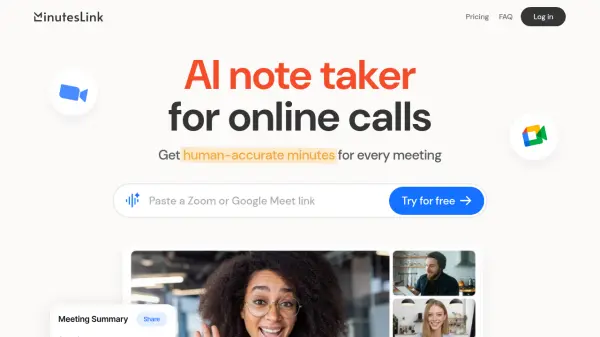
Grabalo is an AI-powered meeting assistant designed to enhance productivity by automatically capturing and organizing meeting content. The tool works seamlessly with all major video conferencing platforms including Zoom, Microsoft Teams, Google Meet, and WhatsApp, without requiring any special setup or plugins. It captures audio from both microphone input and computer playback, making it suitable for virtual meetings, webinars, and online presentations.
The platform offers comprehensive features including AI-generated meeting notes, action item extraction with one-click Google Calendar integration, and an AI assistant for answering specific questions about past meetings. All transcripts, notes, and user data are encrypted and stored securely on Grabalo's servers, with audio recordings never stored. The tool supports English and Spanish with high accuracy across various accents and includes speaker recognition to label different participants automatically.
Features
- Universal Compatibility: Works with every meeting app including Zoom, Teams, Meet, and WhatsApp without bots or joining links
- Meeting Notes: AI automatically captures key points and action items from meetings with editable customization
- Chat: AI assistant answers specific questions about meetings for instant information retrieval
- Action Items: One-click integration to add action items directly to Google Calendar
- Smart Dashboard: Organized dashboard for accessing all meetings, transcripts, and notes in one place
- Speaker Recognition: AI automatically identifies and labels different speakers in meetings
- Multi-language Support: Transcribes and summarizes in English and Spanish with high accuracy for various accents
- Secure Storage: Encrypted storage of transcripts and notes with audio recordings never stored
Use Cases
- Transcribing virtual meetings for accurate records
- Generating summaries of webinars and online presentations
- Extracting action items from team meetings for task management
- Answering specific questions about past meetings without rewatching
- Sharing meeting notes with team members or clients securely
- Organizing multiple meeting transcripts in a centralized dashboard
- Integrating meeting outcomes with calendar applications for scheduling
- Enhancing manual notes with AI-generated context and insights
FAQs
-
How does Grabalo handle speaker identification in meetings?
Grabalo uses advanced AI technology to automatically identify and label different speakers in meetings, working best with clear audio and when participants speak one at a time, with manual editing options available. -
Can I use Grabalo for meetings longer than 5 hours?
For optimal transcription quality, Grabalo recommends keeping meetings under 5 hours and suggests breaking longer sessions into segments to ensure highest accuracy. -
What languages and accents does Grabalo support for transcription?
Grabalo supports English (including non-native speakers and various regional accents) and Spanish (both European and Latin American accents) with high accuracy. -
How does the AI-generated notes feature work with manual note-taking?
Grabalo offers a flexible approach where AI automatically generates comprehensive notes, but users can also take manual notes during calls, with AI enhancing them with additional context and insights, allowing full editing control. -
What happens to audio recordings after transcription?
Audio recordings are never stored; only transcripts, notes, and user data are encrypted and stored on Grabalo's servers.