What is GptSdk?
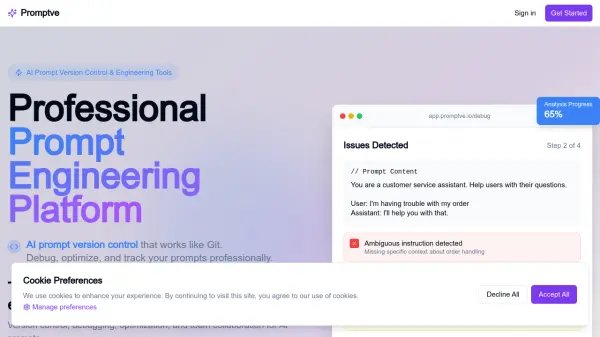
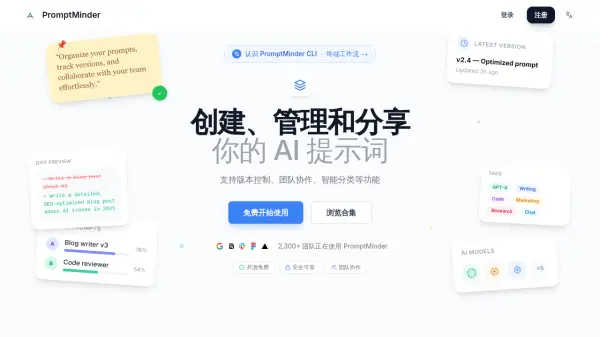
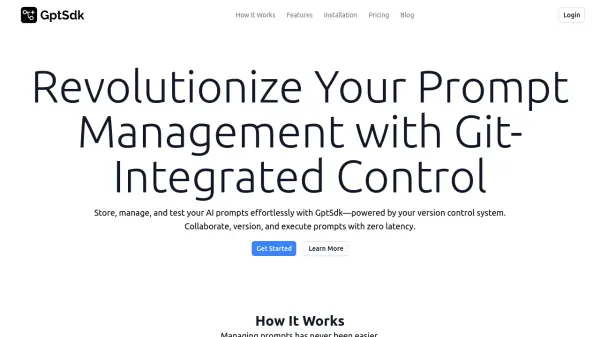
GptSdk offers a comprehensive solution for managing AI prompts, leveraging the power of version control systems. It allows for seamless storage, organization, and execution of prompts, enhancing both individual and collaborative workflows.
By integrating directly with your existing repository, every change is tracked, providing a robust and familiar environment for prompt management. The platform supports testing with real data, batch processing for scalability, and easy integration of API keys for various AI providers.
Features
- Test Prompts with Real Data: Run and refine your prompts using test datasets.
- Batch Testing for Scalability: Test multiple datasets simultaneously to identify patterns and fine-tune results.
- Connect AI Keys Seamlessly: Integrate and manage your API keys for different AI providers in one place.
- Revisit and Analyze Results: Navigate through your run history and analyze past results.
- Organize Prompts with Directories: Manage prompts across different projects using intuitive directory structures.
- Version Management: Track changes to your prompts with version control.
- Collaborate with Team Members: Share prompts and use branching and pull requests for collaborative refinement.
Use Cases
- Storing and organizing prompts within a version control system.
- Testing and refining prompts with various datasets.
- Collaborating on prompt development with team members.
- Analyzing prompt performance and history.
- Scaling prompt execution for production environments.