GPT-Zero favicon

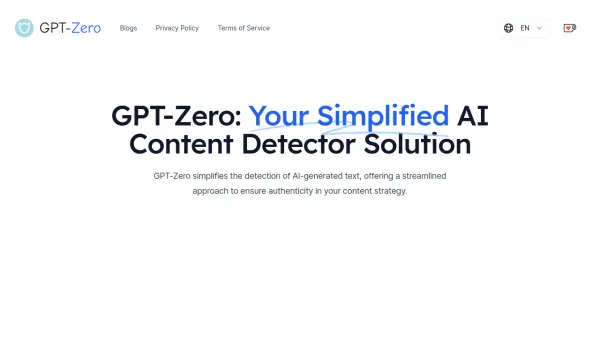
GPT-Zero
Your Simplified AI Content Detector Solution

What is GPT-Zero?

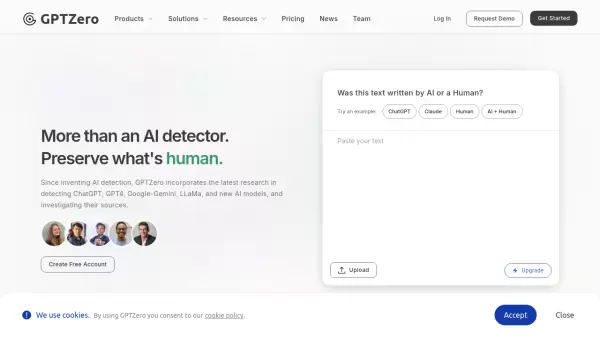
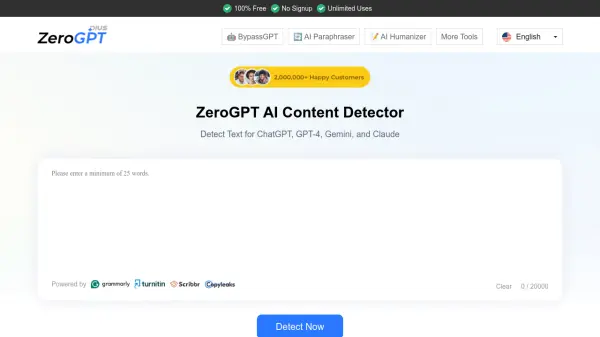
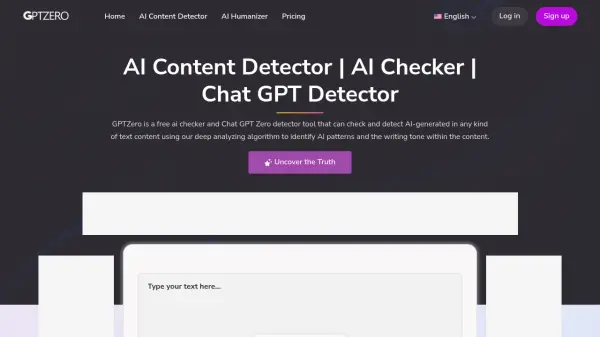
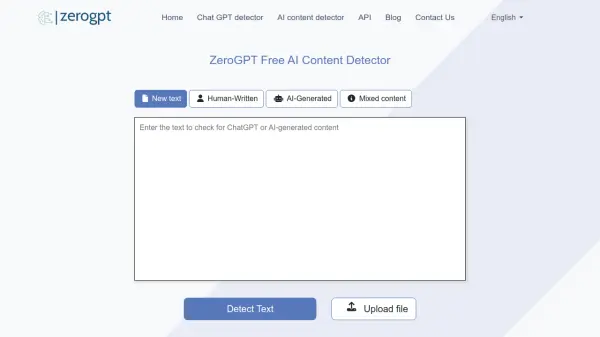
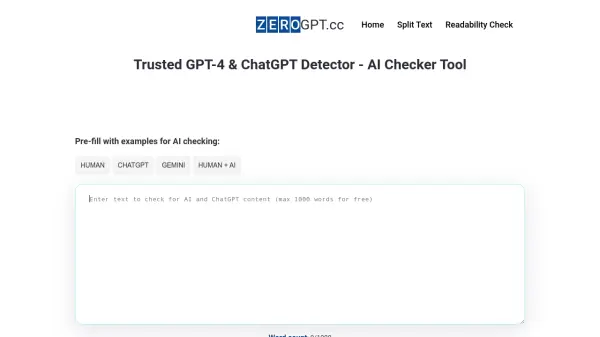
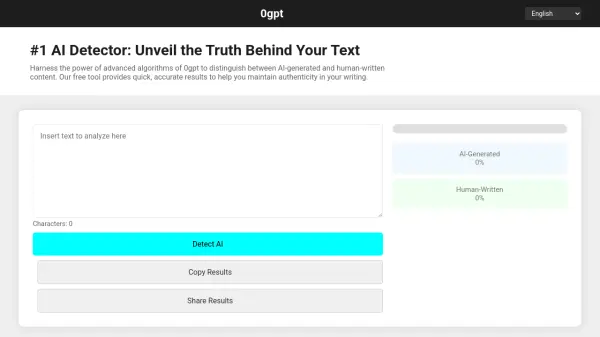
GPT-Zero is designed to simplify the detection of AI-generated text. It offers a streamlined approach to help users ensure the authenticity of their content.

The tool uses a meticulously crafted algorithm, informed by the analysis of over 1 million articles and text samples generated by both AI and humans. It is capable of processing up to 2000 characters in a single operation, providing rapid and precise content analysis.

Features

  • Accurate AI detector: Builds and constantly improves own technology based on over 1 million articles.
  • Efficiency: Capable of processing up to 2000 characters in a single operation.
  • Rapid and Precise Detector: Provides accurate results with cutting-edge technology.

Use Cases

  • Detecting plagiarism in written content.
  • Ensuring authenticity in content strategy.
  • Verifying if documents are human-written.
  • Analyzing articles for AI-generated text.

FAQs

Helpful for people in the following professions

Related Tools:

Blogs:

  • Best text to speech AI tools

    Best text to speech AI tools

    Text-to-speech (TTS) AI tools are designed to convert written or text-based content into natural-sounding spoken audio. These tools utilize various deep learning and neural network architectures to generate human-like speech from textual input.

  • Top AI tools for Students

    Top AI tools for Students

    These AI tools are designed to enhance the learning experience for students. From personalized study plans to intelligent tutoring systems.

  • Top 6 AI note-taking tools for 2026: in-person, online, and hybrid use cases

    Top 6 AI note-taking tools for 2026: in-person, online, and hybrid use cases

    Most AI note-taking lists are really lists of meeting bots, which join your video call and transcribe it. That's useful, but it's half the picture. Decisions happen in hallway conversations, client dinners, on-site visits, and hybrid rooms where nobody is on a video link. This guide covers different parts of the note-taking workflow: hardware capture for in-person settings, platform-native tools for online calls, and AI layers for organizing and synthesizing what you've captured. It compares six tools by capture context, workflow fit, pricing, and limitations.

Didn't find tool you were looking for?

Be as detailed as possible for better results