What is Gofer?
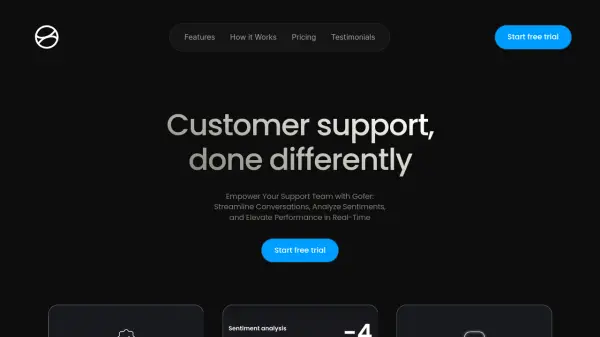
Gofer revolutionizes customer support operations by providing an intelligent AI assistant that streamlines agent training and performance assessment. The platform combines advanced features like sentiment analysis, thread summarization, and personalized coaching to enhance support team efficiency.
Through seamless integration with popular customer support applications, Gofer enables real-time collaboration, automated response suggestions, and comprehensive performance tracking, helping organizations deliver superior customer service while reducing operational costs.
Features
- AI Personalized Coaching: Streamline agent training with personalized improvement suggestions
- Thread Summarization: Quick overview of ticket threads for faster response
- Sentiment Analysis: Monitor customer satisfaction through conversation analysis
- Integration Capability: Seamless connection with popular support applications
- Suggested Responses: AI-powered response recommendations
- Performance Analytics: Comprehensive reporting and agent assessment
- Issue Categorization: Automated ticket classification system
Use Cases
- Customer support team training
- Support ticket management
- Agent performance monitoring
- Customer satisfaction tracking
- Support workflow optimization
- Team collaboration enhancement
FAQs
-
How many tickets can be processed on the starter plan?
The starter plan allows processing of up to 300 tickets per month. -
Is there a free trial available?
Yes, Gofer offers a 14-day free trial with no credit card required. -
What integrations does Gofer support?
Gofer integrates with most popular customer support applications.