What is GoDAM?
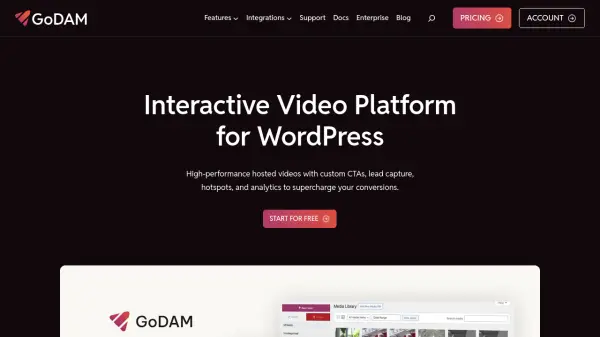
GoDAM is a comprehensive video management platform specifically designed for WordPress users. It provides high-performance hosted videos with custom call-to-actions, lead capture capabilities, interactive hotspots, and detailed analytics to enhance conversion rates. The platform automatically converts uploaded audio files to MP3 and video files to MP4 formats while offering adaptive bitrate streaming for smooth playback across all devices.
The solution includes a modern digital asset manager that centralizes all video marketing assets in one dashboard, allowing users to organize, sync with WordPress sites, and collaborate on video content. With features like AI transcription, video monetization through ads, and customizable video players, GoDAM helps businesses optimize their video strategy and maximize return on investment from video content.
Features
- AI Transcription: Automatically generate accurate, timestamped captions for videos using artificial intelligence
- Interactive Video Layers: Add forms, CTAs, ads, and hotspots directly onto videos to capture leads and drive engagement
- Video Analytics: Track detailed metrics including play counts, watch time, and heatmaps to understand viewer behavior
- Adaptive Bitrate Streaming: Ensure smooth video playback across all devices and network conditions with dynamic resolution adjustment
- Centralized Media Management: Organize and manage all digital assets through GoDAM Central with smart organization tools
Use Cases
- Capturing leads directly from product demonstration videos on e-commerce websites
- Enhancing online course delivery with interactive elements and performance tracking
- Monetizing video content through integrated advertising and sponsored placements
- Improving video accessibility with AI-generated transcriptions and captions
- Analyzing viewer engagement to optimize content strategy and increase conversions
FAQs
-
What file formats does GoDAM support for upload?
GoDAM supports audio files in MP3, M4A, WAV, and OGG formats, and video files in 3G2, 3GP, AVI, FLV, M4V, MOV (QDM2 only), MP4, OGV, WEBM, and WMV formats. Some formats have limitations in the free version. -
How does the free plan work and what are its limitations?
The free plan offers 20GB of storage and bandwidth, 20 minutes of AI transcription, and full access to all paid features for 60 days with no credit card required. Users can upgrade to paid plans anytime during this period to continue service beyond 60 days. -
What happens to my videos if I cancel my subscription?
If a subscription expires or isn't renewed, GoDAM continues serving transcoded videos for 30 days. After this period, transcoded assets are removed from the CDN, but original uploaded videos remain in the WordPress media library and will be served instead. -
Can I customize the appearance of the video player?
Yes, GoDAM offers a fully customizable video player that allows branding with logos, control colors, and professional player skins to deliver a seamless, branded viewing experience across all devices. -
What payment methods are accepted for paid plans?
GoDAM accepts all major credit cards including Visa, Mastercard, American Express, Discover, Maestro, JCB, and Diners Club International for paid subscriptions.