
What is GIFable?
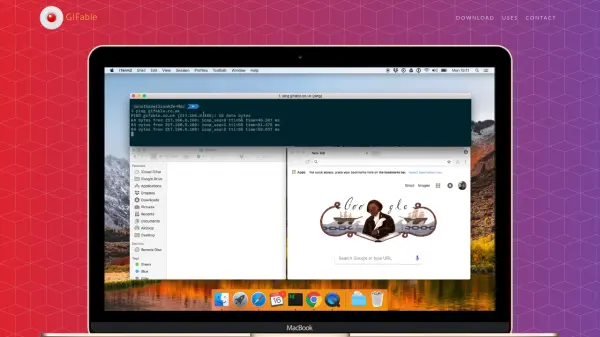
GIFable is a specialized application designed for macOS users to capture screen recordings and convert them into GIF format. The tool enables users to showcase their work, whether it's demonstrating user experience designs, sharing content on social media, or enhancing blogs and presentations with visual context. By providing an easy way to create GIFs directly from the desktop, it helps users communicate ideas more effectively without requiring additional software.
The app supports recording various desktop activities, including videos, text, drawings, and games, making it versatile for different use cases. It emphasizes productivity and skill demonstration, allowing users to create unlimited GIFs for personal or professional projects. With a focus on simplicity and functionality, GIFable aims to streamline the process of making GIFs, encouraging users to start creating immediately.
Features
- Screen Recording: Capture desktop activities and convert them to GIF format
- Unlimited Usage: Create as many GIFs as needed without restrictions
- macOS Compatibility: Available exclusively for macOS operating systems
- Versatile Recording: Supports videos, text, drawings, and games on the desktop
- Direct Creation: Generate GIFs without requiring additional software tools
Use Cases
- Demonstrating user experience designs with ready-to-use GIFs
- Sharing content on social media platforms to showcase skills
- Enhancing blogs and presentations with visual context and explanations
- Recording desktop activities like videos, text, drawings, or games for tutorials
- Creating GIFs for personal or professional projects to improve communication