
What is GhostCV?
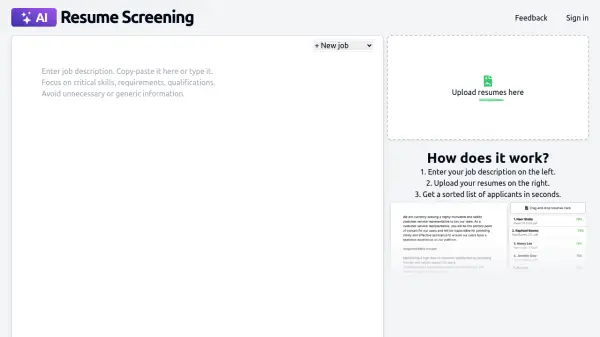
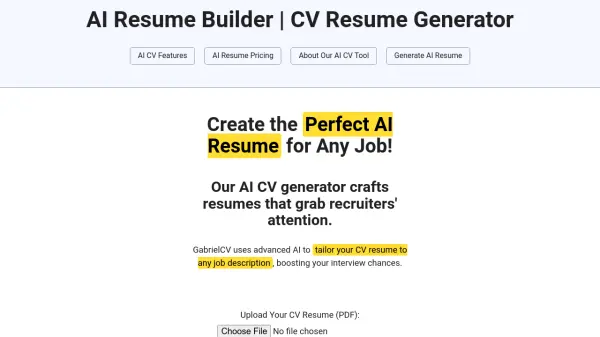
GhostCV is an AI-powered tool designed to enhance resumes for automated screening processes. It addresses the reality that many companies use AI systems to scan resumes for specific keywords, experience levels, and skills before human recruiters see them. By adding strategic hidden context to PDF resumes, GhostCV helps users target relevant keywords and highlight experience in a way that AI systems can read, increasing the chances of passing initial screening filters.
The tool allows users to upload their CVs to check what large language models (LLMs) see, ensuring optimization without storing personal data. GhostCV emphasizes privacy by not storing CVs or selling data to recruiters, making it a secure option for job seekers looking to improve their resume's visibility in AI-driven hiring processes.
Features
- AI Screening Optimization: Adds hidden context to PDF resumes to target keywords and highlight experience for AI systems
- Privacy-Focused: Does not store CVs or sell data to recruiters, ensuring user data security
- PDF Compatibility: Works with PDF files for easy upload and optimization
Use Cases
- Optimizing resumes for job applications in companies that use AI screening systems
- Improving resume visibility for automated recruitment processes
- Checking how AI systems interpret your CV content before submission