

What is GeoGebra?
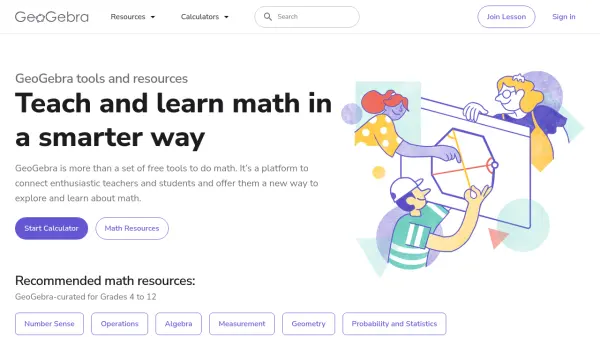
GeoGebra provides a comprehensive suite of free mathematical tools and resources designed to enhance the teaching and learning experience. It's more than just a calculator; it's a platform that connects teachers and students, offering a new way to explore and understand mathematical concepts.
The platform includes interactive calculators, graphing tools, geometry resources, and 3D calculation capabilities. GeoGebra is designed to be accessible on all platforms, ensuring a seamless experience for users.
Features
- Calculator Suite: Explore functions, solve equations, and construct geometric shapes.
- Graphing Calculator: Visualize equations and functions with interactive graphs and plots.
- Geometry: Explore geometric concepts and constructions in a dynamic environment.
- 3D Calculator: Graph functions and perform calculations in 3D.
- Scientific Calculator: Perform calculations with fractions, statistics, and exponential functions.
- Notes: Online note-taking app with interactive graphs, slides, and images.
- Classroom Collaboration: Interactive math lessons and integration with various LMSs.
- Math Practice: Step-by-step math exercises with instant hints and feedback.
Use Cases
- Visualizing mathematical functions and equations.
- Constructing and exploring geometric shapes.
- Performing calculations in 2D and 3D.
- Creating interactive notes and presentations.
- Facilitating classroom collaboration and discussions.
- Providing personalized learning experiences.
- Practicing algebraic problem-solving.
- Teaching and learning math concepts from grades 4 to 12.