GaiaHub favicon

GaiaHub
Build Your AI App Without Code

What is GaiaHub?

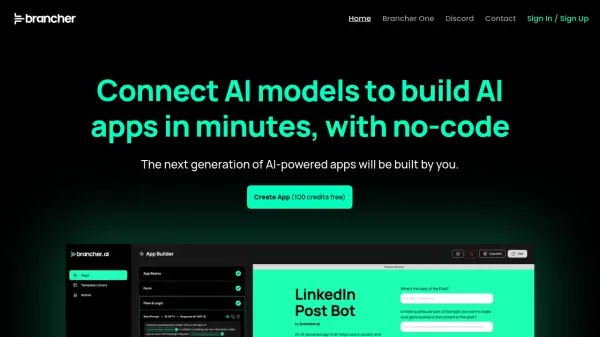
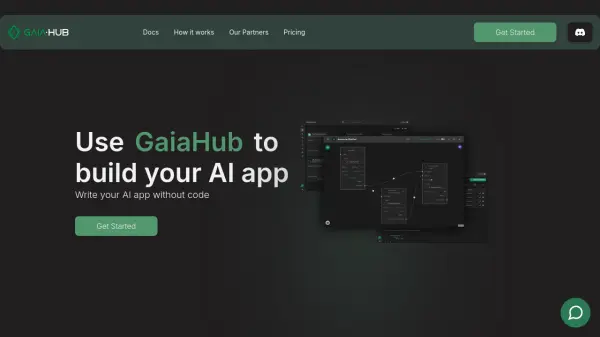
GaiaHub is a platform designed to simplify the creation of AI applications. It serves as a hub where developers can share and utilize pre-built components, enabling users to assemble LLM applications without needing to write code.

This approach streamlines the development process, making it accessible to a wider range of users and significantly reducing the time required to go from concept to a functional AI app. The platform fosters a collaborative environment, encouraging the sharing of building blocks that can be easily integrated to create sophisticated applications.

Features

  • No-Code Development: Create AI applications without writing any code.
  • Building Blocks: Utilize pre-built components shared by other developers.
  • LLM Applications: Construct applications based on Large Language Models.
  • Community Support: Gain assistance from the GaiaHub community.
  • Rapid Development: Go from zero to a functional app in minutes.

Use Cases

  • Rapid prototyping of AI applications
  • Developing LLM-based applications without extensive coding
  • Creating custom AI tools for specific business needs
  • Sharing and collaborating on AI application components

Helpful for people in the following professions

Related Tools:

Blogs:

  • Boost Engagement in Ads with AI

    Boost Engagement in Ads with AI

    Discover how AI music and AI SDR agents are reshaping modern advertising. Learn how emotional resonance through AI-generated soundtracks combined with smart, automated sales outreach can turn viewers into loyal customers faster, cheaper, and more personally than ever before.

  • Top 6 AI note-taking tools for 2026: in-person, online, and hybrid use cases

    Top 6 AI note-taking tools for 2026: in-person, online, and hybrid use cases

    Most AI note-taking lists are really lists of meeting bots, which join your video call and transcribe it. That's useful, but it's half the picture. Decisions happen in hallway conversations, client dinners, on-site visits, and hybrid rooms where nobody is on a video link. This guide covers different parts of the note-taking workflow: hardware capture for in-person settings, platform-native tools for online calls, and AI layers for organizing and synthesizing what you've captured. It compares six tools by capture context, workflow fit, pricing, and limitations.

Didn't find tool you were looking for?

Be as detailed as possible for better results