What is Lutia?
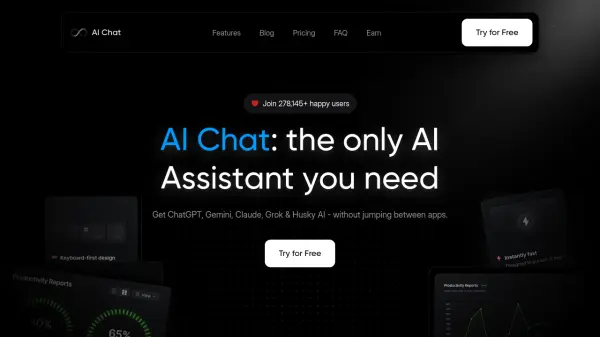
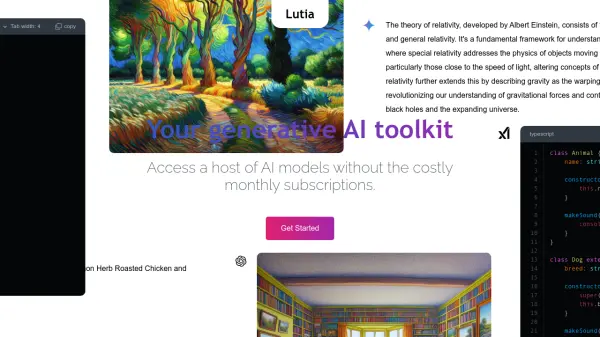
Provides access to a variety of leading Artificial Intelligence (AI) models through a unified chat interface. This platform allows users to leverage the capabilities of powerful Large Language Models (LLMs) without committing to expensive monthly subscriptions.
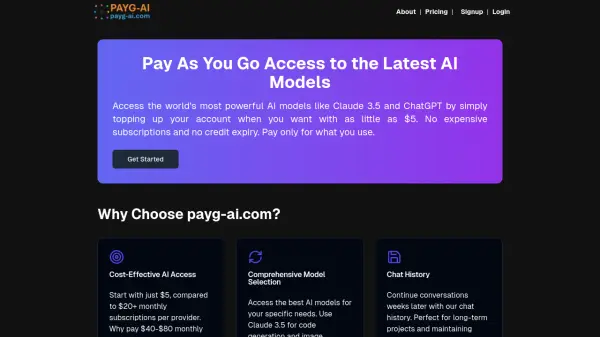
The service operates on a pay-as-you-go pricing model, offering flexibility and cost-effectiveness. Users can manage their context window and monitor their usage across different AI models directly within the platform, ensuring transparency and control over expenses.
Features
- Access Multiple AI Models: Utilize various leading LLMs from a single chat interface.
- Pay-As-You-Go Pricing: Avoid monthly subscriptions and pay only for what you use.
- Customizable Context Window: Adjust the context window according to needs.
- Usage Tracking: Monitor usage across different AI models.
Use Cases
- Experimenting with different large language models.
- Developing applications using various AI capabilities without high upfront costs.
- Casual AI interaction and testing without subscription commitments.
- Cost-effective access to advanced AI for developers or researchers.
FAQs
-
Is my data safe?
Yes, Lutia emphasizes security and states it will never use or share user data without explicit consent. Data is not used for training models, and no user data is sent to external APIs. However, users are advised against entering sensitive information in prompts.