What is Frontitude?
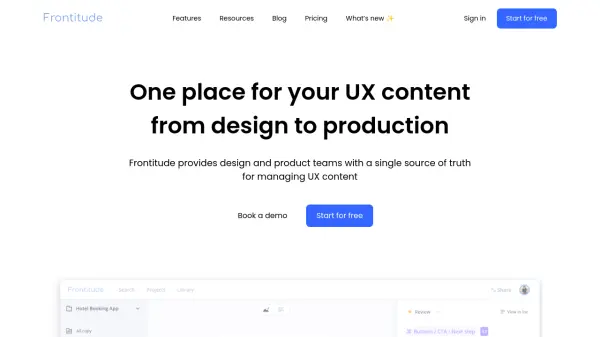
Frontitude serves as an integrated platform for managing UX content throughout the product development lifecycle. The platform brings together content creation, collaboration, and management capabilities in a unified workspace, featuring advanced search functionality, tagging systems, and version control capabilities.
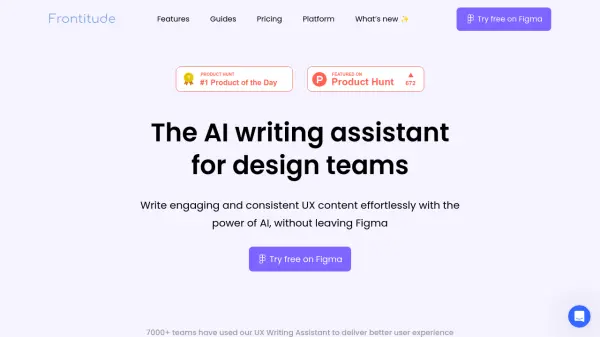
The platform seamlessly integrates with design tools like Figma and Sketch, offering specialized features such as design-driven localization, automated developer handoff, and an AI-powered UX writing assistant. It enables teams to maintain consistency across designs, streamline collaboration workflows, and efficiently manage content translations with full product context.
Features
- Content Library: Centralized workspace for managing all UX content
- Design Integration: Seamless sync with Figma and Sketch
- Collaboration Tools: Streamlined workflow with approval process and version control
- AI Writing Assistant: UX-focused writing assistance tool
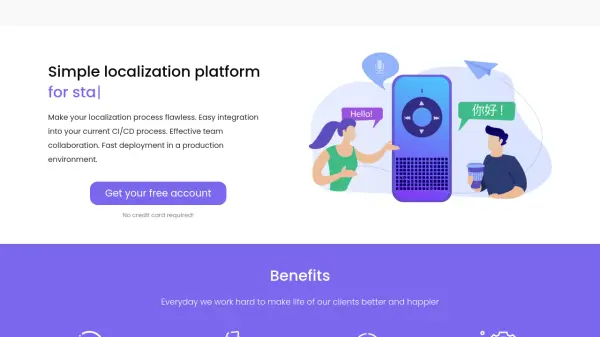
- Localization Management: Design-driven translation process
- Developer Handoff: Automated content sync to codebase
- Version Control: Track and manage content changes
- Search and Tagging: Advanced content organization capabilities
Use Cases
- UX content management and organization
- Design team collaboration
- Product localization
- Content consistency maintenance
- Developer handoff automation
- UX writing and editing
- Design system management
FAQs
-
Who needs an editor (paid) seat?
A paid seat is required for anyone who wants to submit copy changes (in source language or translations) or access the design tool plugin. Writers, designers, and translators typically need editor seats. -
What are viewer seats?
Viewer seats are unlimited and free. Viewers can view copy and design, and comment, but can't edit or submit copy changes. -
Is my work secure?
Frontitude is built on secure, industry-standard infrastructure using security best practices, with a team including senior engineering architects experienced in cybersecurity.