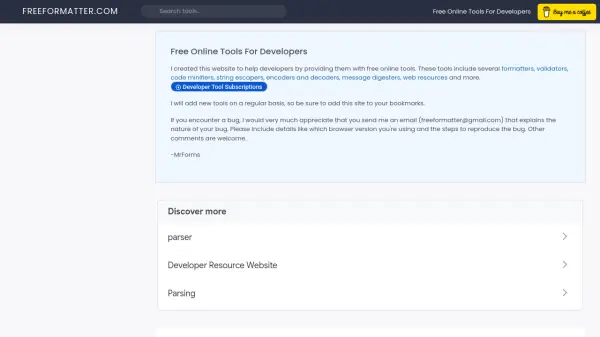
What is FreeFormatter?
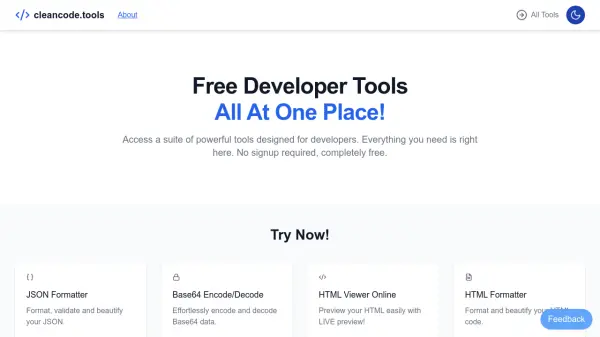
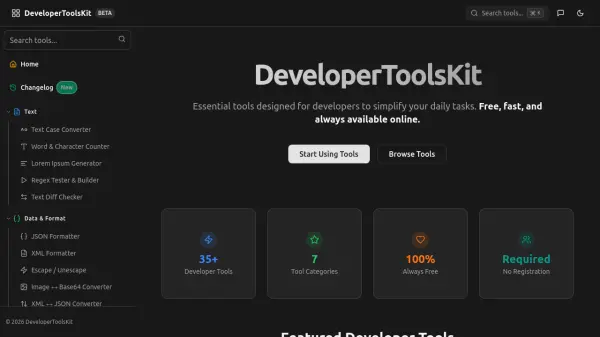
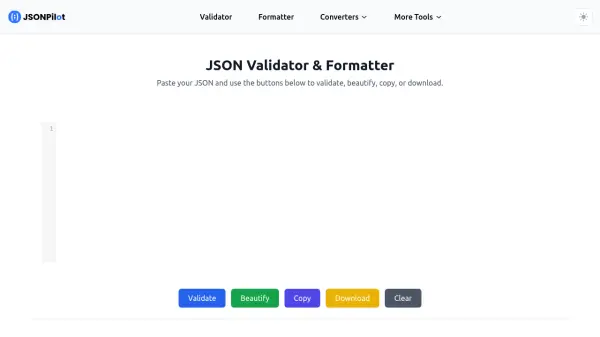
FreeFormatter provides a wide range of free online tools designed specifically for developers. The platform includes formatters for JSON, HTML, XML, and SQL that beautify code with customizable indentation levels and color highlighting. It also offers validators for checking compliance with standards like RFC 4627 for JSON and w3c standards for HTML, along with converters for transforming data between formats such as XML to JSON and CSV to XML.
The toolset extends to encoders and cryptography utilities like URL encoding, Base64 encoding, and message digesters using algorithms like MD5 and SHA-256. Additional features include code minifiers for JavaScript and CSS, string escapers for various programming languages, and web resources such as a Lorem Ipsum generator and MIME type lists. All tools support copy-paste or file upload for ease of use.
Features
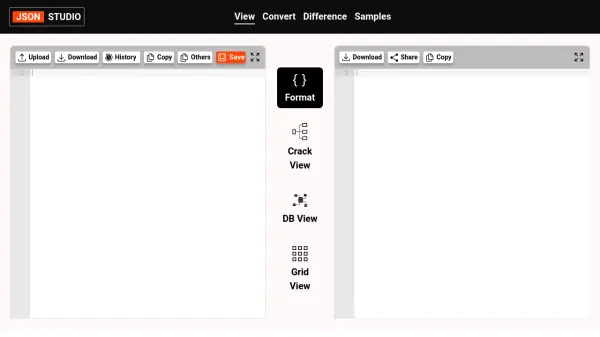
- JSON Formatter: Formats JSON with 6 indentation levels and creates a tree representation with color highlights
- XML Validator: Validates XML against XSD schemas with support for copy-paste or file upload
- Code Minifiers: Compresses JavaScript and CSS files by removing whitespace and optimizing code without side effects
- Converters: Converts between formats like XML to JSON, CSV to XML, and YAML to JSON with customizable output
- Encoders: Includes URL encoder/decoder, Base64 encoder/decoder, and file encoding conversion tools
Use Cases
- Beautifying and formatting JSON, HTML, XML, or SQL code for better readability
- Validating JSON or HTML files against industry standards to ensure compliance
- Converting data between formats such as XML to JSON for integration purposes
- Minifying JavaScript or CSS files to reduce file size for web optimization
- Encoding or decoding strings for secure data transmission or storage