

What is Freedcamp?
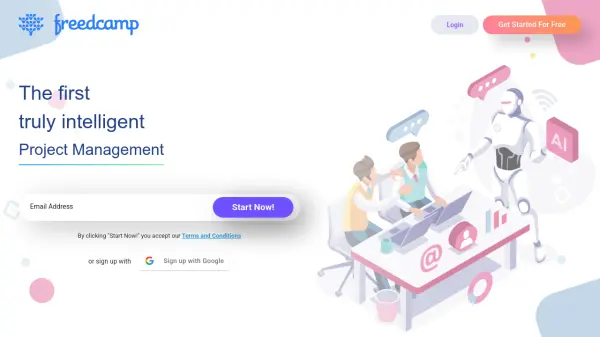
Freedcamp is a comprehensive project management platform designed to help teams streamline projects, processes, workflows, track time, and manage issues efficiently. It offers a wide range of features including task lists, Kanban boards, subtasks, Gantt charts, calendars, discussions, milestones, wikis, and issue tracking. The platform supports collaboration through mobile applications for iOS and Android, as well as desktop applications for Windows and Mac.
The system includes advanced functionalities such as password management, invoicing capabilities, project duplication, CRM integration, backup options, widget boards, and third-party integrations with services like Google Calendar, Google Drive, and Dropbox. Freedcamp provides unlimited storage for any number of projects and supports teams of all sizes with its scalable architecture and intuitive interface.
Features
- Unlimited Projects and Storage: No restrictions on the number of projects or storage capacity
- Task Management: Comprehensive task lists with Kanban boards, subtasks, and Gantt charts
- Team Collaboration: Centralized discussions, file sharing, and calendar integration
- Time Tracking: Built-in time tracking for productivity measurement and client billing
- Third-Party Integrations: Seamless connections with Google Drive, Dropbox, OneDrive, and Zapier
Use Cases
- Managing team projects with task assignments and deadlines
- Tracking work hours and generating client invoices
- Collaborating on documents and files within project teams
- Organizing customer relationships through integrated CRM
- Creating project templates for recurring work processes
FAQs
-
What features are included in the free plan?
The free plan includes unlimited projects, tasks, storage, and users with core applications like tasks, discussions, calendar, files, milestones, time tracking, and passwords. -
Does Freedcamp offer mobile applications?
Yes, Freedcamp offers mobile applications for both iOS and Android devices, as well as desktop applications for Windows and Mac. -
What third-party integrations does Freedcamp support?
Freedcamp integrates with Google Calendar, Google Drive, Dropbox, OneDrive, and Zapier for connecting with other applications. -
Is there a limit to the number of users in the free plan?
No, the free plan supports unlimited users with all essential features included. -
What payment options are available for premium plans?
Premium plans offer both annual and monthly billing options, with discounts available for annual subscriptions.