What is Font Generator?
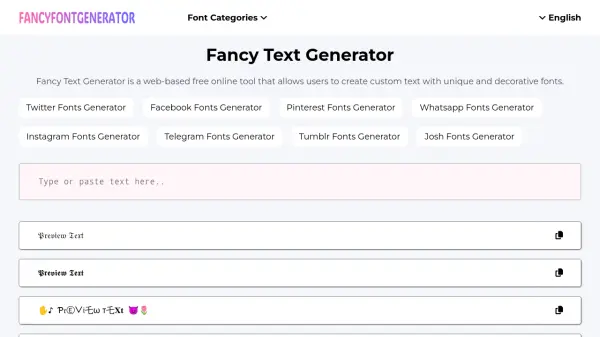
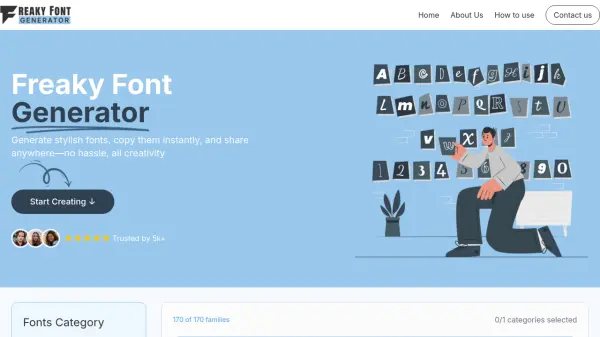
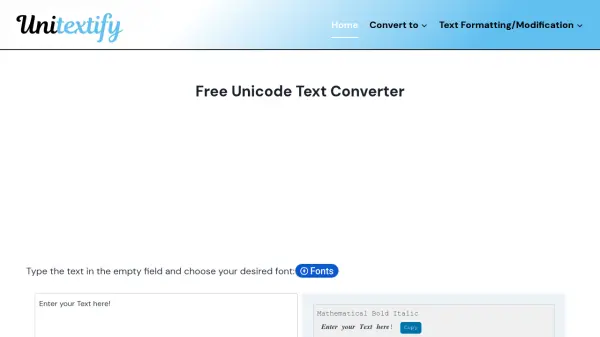
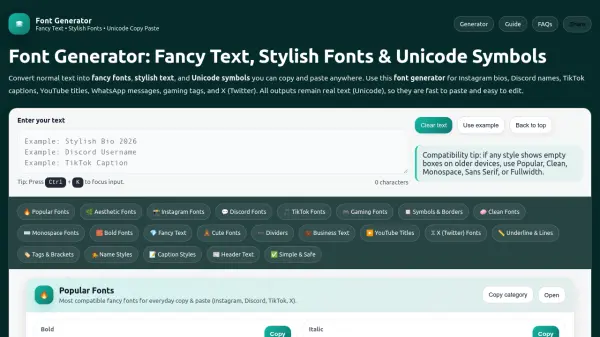
Font Generator is a browser-based tool that transforms standard text into stylish Unicode characters resembling different fonts. It operates by swapping each character with a Unicode look-alike, producing real text outputs that remain editable and load instantly. Users can copy and paste the generated fancy text directly into various platforms without requiring any installations.
The tool offers multiple categories including Popular, Clean, Monospace, Sans Serif, Sans Bold, and Fullwidth styles for optimal cross-device compatibility. It supports decorative elements like symbols, borders, frames, and dividers to enhance social media profiles, gaming tags, and captions. Font Generator emphasizes device-safe options to prevent display issues on older phones or systems.
Features
- Unicode Text Conversion: Swaps normal letters with Unicode look-alike characters for stylish text generation
- Cross-Platform Compatibility: Works with Instagram, Discord, TikTok, YouTube, WhatsApp, Telegram, Facebook, and X
- Device-Safe Categories: Includes Popular, Clean, Monospace, Sans Serif, Sans Bold, and Fullwidth styles for optimal display
- Decorative Elements: Provides symbols, borders, frames, and dividers for enhanced text formatting
- Browser-Based Tool: Runs entirely in the browser without requiring downloads or installations
Use Cases
- Creating stylish Instagram bios and names
- Designing unique Discord usernames and server roles
- Enhancing TikTok captions and video text
- Formatting YouTube titles and pinned comments
- Customizing gaming clan tags and player names
- Adding aesthetic spacing to social media profiles
- Formatting WhatsApp and Telegram messages with fancy text
- Creating clean business page text with readable fonts